

No-code tools let people turn an idea into a working website, portal, app, or workflow without starting with a programming language.
They are useful when you need evidence from real users before committing to a custom build. The practical goal is not to avoid technical thinking entirely. It is to choose a simple system that solves one real problem and can still be maintained after launch.
Begin With a Clear Outcome
A tool will not rescue an unclear project. Start by identifying the single outcome a visitor, customer, or teammate should achieve.
Write the First Version Around One Task
A service site may need an inquiry form, while an event page may need registrations and clear timing details. A client portal may need people to find files and see progress without sending repeated emails.
Pick one route, then list the screens, data, and messages required to complete it. This focused scope stops a beginner build from becoming a half-finished store, community, newsletter, and dashboard at once.

Match the Tool to the Work, Not the Hype
Choose a website builder for public pages, an app builder for user actions, and an automation tool for repeated handoffs. Do not select a platform merely because a template looks polished or an influencer calls it essential.
Test the editing, access rules, mobile behavior, and export options using your own materials. This real-world trial reveals whether a tool supports the work you actually plan to repeat.
Build a Simple Public Website
A public site should explain the offer, show proof, and direct visitors toward one clear action. Visual builders make this first release quicker when the content and page order are already decided.
Use Wix When Visual Flexibility Matters
Wix can suit a portfolio, local service site, campaign page, or small catalog that needs frequent visual updates.
Its templates, AI-assisted starting flow, and visual editor can help you create pages, forms, bookings, or store sections in one dashboard.
Set shared rules for headings, buttons, colors, image crops, and spacing before adding more pages. That design routine matters because unrestricted editing can make a growing site look inconsistent on desktop and mobile.
Choose Squarespace or Carrd for Tighter Scope
Squarespace is useful for a polished portfolio, blog, service page, or small store where consistent layouts matter more than free placement.
Carrd works best for a focused one-page launch, profile, waitlist, simple portfolio, or campaign page.
Both can reduce decisions, but they solve different levels of complexity. This scope choice keeps you from paying for a broader system when one clear page and a working contact route are enough.
Build an App or Portal Around Data
A site explains information, but an app lets people enter, view, and act on records. Start with clean data before styling screens or designing dashboards.
Glide Helps Teams See the Right Information
Glide can turn structured rows and columns into internal tools, directories, trackers, or lightweight portals. Roles and Row Owners can help limit what different users can see and do when access is configured carefully.
Begin with a few sample accounts and confirm that each person sees only the records they should access. This permission test prevents a convenient dashboard from exposing private data or confusing staff as the project grows.
Use Softr or Adalo for More Structured Workflows
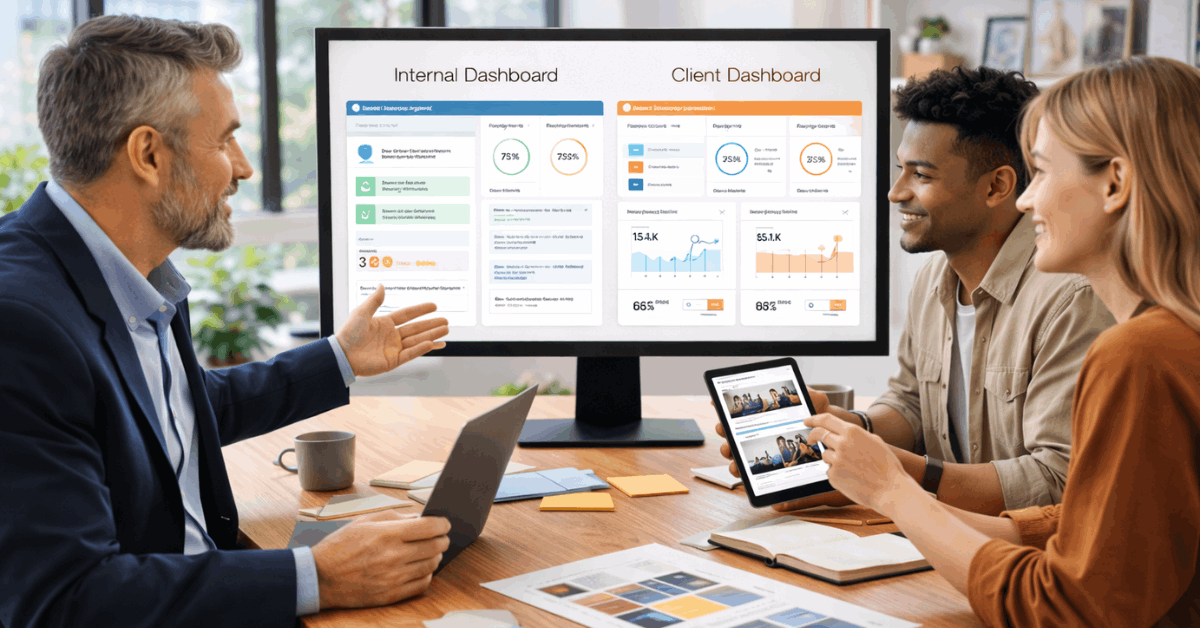
Softr can create client portals, internal apps, knowledge bases, and dashboards that connect to supported data sources.
Adalo is better suited to database-driven mobile and web apps that need screens, user accounts, and related records. Both work best when you map fields, owners, and user actions before building the interface.
This data plan reduces later rework when a form, status, permission, or report needs information the original design never captured.
Also Read: Website Builders for Non-Technical Users
Automate Repetition, Not Judgment
Automation is useful when the same information moves between tools in a predictable way. Keep a human review for exceptions, sensitive requests, and decisions that require context.
Start With One Trigger and One Useful Result
Zapier connects apps through triggers and actions, such as creating a lead record when a form is submitted. Begin with a simple flow that sends a confirmation, creates a task, or alerts the correct teammate.
Test missing fields, duplicate requests, and failed deliveries before expanding the sequence. This small automation is easier to understand, monitor, and repair than a long chain nobody owns.
Use Make When You Need a Visible Multi-Step Flow
Make uses visual scenarios that can branch, filter, transform information, and connect several services. It can help when one request needs to update a record, notify a team, and create a follow-up task.
Read Make’s official guide to your first scenario before connecting live customer data. This workflow map should name the trigger, each destination, the responsible owner, and the action to take when a step fails.
Launch Small and Maintain the System
No-code does not eliminate responsibility for content, accounts, data, and customer experience. A useful launch includes routine checks so success does not depend on one person remembering every setting.
Use these short launch checks before sharing a project publicly:
- Purpose: The main action is clear.
- Mobile: Pages or screens remain usable.
- Access: Each account has the right role.
- Recovery: Critical content can be restored.
Test a Complete Path With Someone New
Ask someone unfamiliar with the project to find information, submit a request, or complete the intended action. Watch where they hesitate, miss a label, question a price, or cannot find a next step.
Fix the largest obstacle before adding animations, extra features, or more connected tools. This first-user test gives clearer direction than guessing which design trend will make a project feel credible.
Keep Ownership, Costs, and Updates Visible
Record the domain owner, billing account, data source, connected apps, recovery details, and person responsible for each tool.
Review subscriptions after a new app, storage limit, team member, or integration is added, name files, date them, and assign ownership. Remove unused workflows and old embeds before they create avoidable cost, risk, or performance problems.
This maintenance record makes handoffs easier and gives you choices if a tool changes its pricing, limits, or features.
Build for What You Need Next
The best no-code project begins with a specific action and a small version that people can use. Website builders can publish clear pages, app builders can organize interactions, and automation tools can reduce repeated work.
Choose manageable tools, test them with real users, and document how they connect. A simple system that stays accurate, secure, and easy to update will serve you better than a complex launch that nobody can maintain.











