A website template can help you publish faster, but the wrong choice can cost time later.
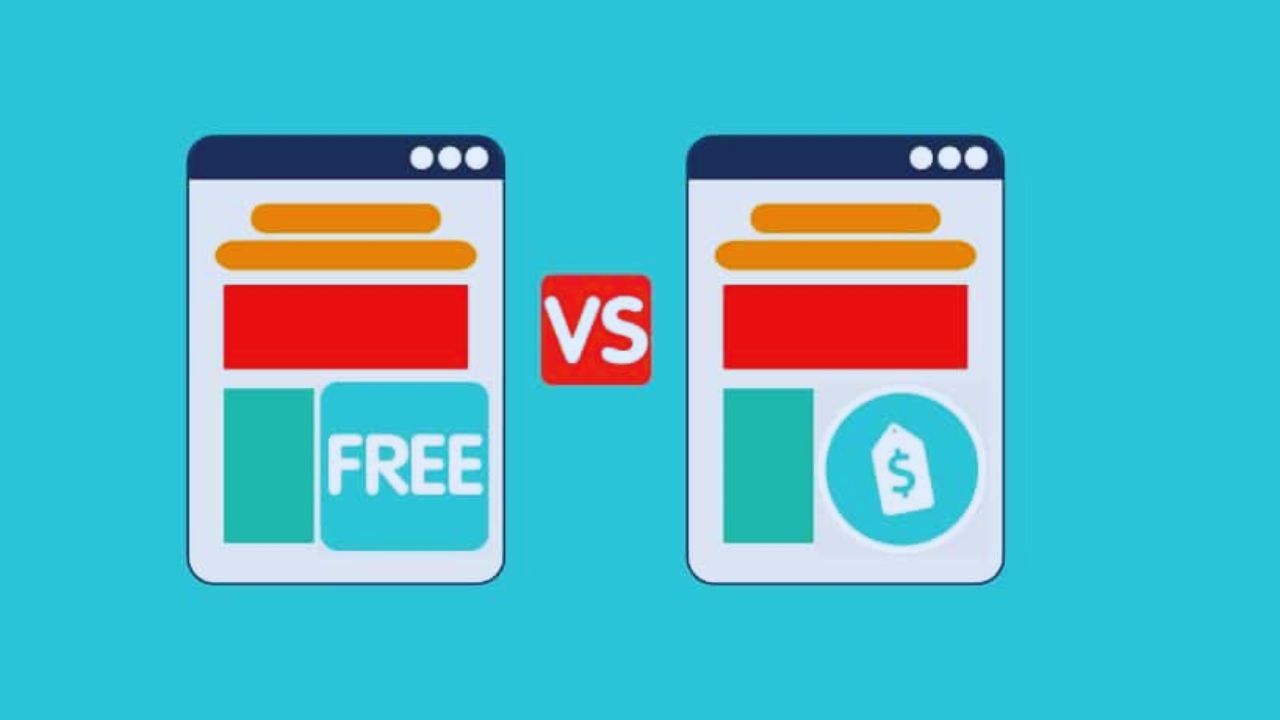
Free templates may be enough for a personal blog, test project, or small portfolio, while paid templates often suit business sites that need support, cleaner layouts, and more room to grow. The decision should not be based only on price.
This guide explains how free and paid templates differ, what to check before using one, and when paying actually makes sense for long-term use.
What Website Templates Really Do
Templates give a site its structure before you add your own text, photos, products, or services.
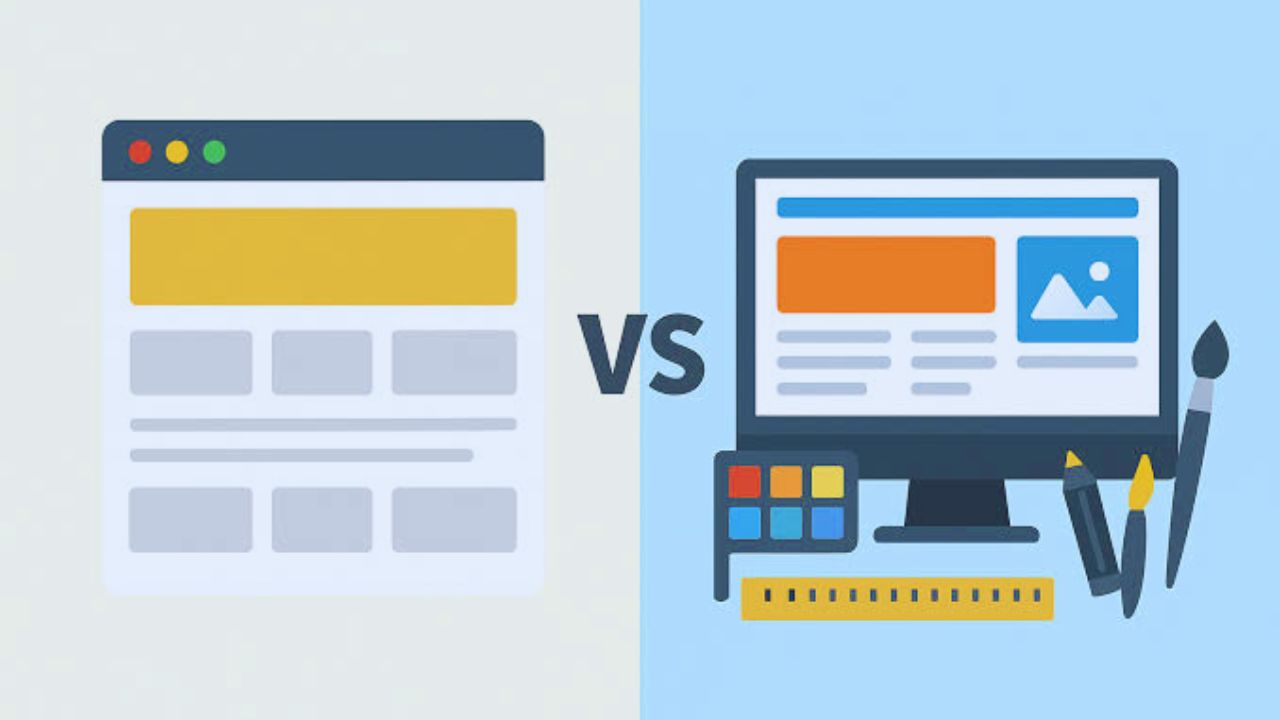
They control page layout, spacing, navigation, mobile behavior, and sometimes built-in sections such as forms, galleries, or product grids.
A Template Is More Than a Design
A good template saves setup time because the main page structure is already planned. A weak one can create problems with slow loading, poor mobile spacing, missing updates, or limited editing control.
This is why a simple free template can still work well, while a paid template can still disappoint. The real question is whether the template fits your site purpose and maintenance needs.
When Free Templates Make Sense
Free templates are useful when the project is small, temporary, or still being tested. They reduce upfront cost and let you learn the platform before investing in a premium option.
Small Projects Can Start Free
A free template can be enough for a student portfolio, hobby blog, event page, or simple personal site.
WordPress.org themes are a common place to start because many are reviewed and easy to install.
The limitation is that support, advanced layouts, and frequent updates may be lighter than paid options. Free works best when your needs are simple and flexible, not mission-critical.
Where Free Templates Can Fall Short
Free does not always mean risky, but it does require closer checking. Some templates are maintained well, while others are abandoned or built with outdated code and limited support.
Check Support Before You Build
Before using a free template, look at the last update date, user reviews, mobile preview, and license terms. A template that has not been updated in years may create browser issues or compatibility problems later.
Some free options also limit custom branding or require attribution. If the site represents a business, those limits may affect trust and presentation.
When Paid Templates Are Worth Considering
Paid templates make more sense when the site supports a business, product, service, or long-term brand.
The cost can be reasonable if it saves setup time and reduces design mistakes during site launch.
Business Sites Often Need More Control
A paid template may include better documentation, more page layouts, responsive sections, and support from the developer.
ThemeForest templates such as Avada are popular because they include many demos and business layouts, though they still need careful testing. Paid does not automatically mean better, but it often gives more editing options and support when something breaks.
Do Not Pay for Features You Will Not Use
Premium templates often look impressive because they include sliders, animations, galleries, pop-ups, and multiple homepage styles. Those extras can also create visual clutter and slower pages with extra scripts.
Match Features to the Real Site
If you are building a five-page service site, you may not need a template with dozens of demo layouts and heavy animation effects.
An online store may need product filters and checkout styling, but a consultant may only need service pages, testimonials, and a contact form.
Paying for unused features can make site maintenance harder. Choose the template that supports real content, not the one with the longest feature list.
Licensing Needs Careful Review
Licensing is one of the easiest details to overlook. It affects whether you can use the template for personal projects, commercial sites, client work, or multiple domains.
Read the Terms Before Publishing
Some free templates require attribution, while some paid templates limit use to one site unless you buy another license.
If you plan to build websites for clients, check whether the license allows that. Also review refund rules, update access, and how long support lasts after purchase. These details matter because license limits can force changes after the site is already built.
Performance Should Be Tested Early
A polished demo does not guarantee a fast site. Templates can slow down pages through oversized images, unused scripts, heavy effects, or poor code structure and asset loading.
Also Read: Website Templates That Load Fast
Speed Matters More Than Decoration
Before choosing, open the demo on mobile and test how quickly it loads. A simple template with clean spacing may perform better than a premium design full of sliders and motion effects.
For stores, blogs, and lead-generation pages, speed affects how comfortable the site feels. A template should support fast browsing, not make every page feel heavy.
Customization Should Fit Your Skill Level
Some users want drag-and-drop editing, while others are comfortable with theme settings, CSS, or builder tools. The best template is one you can actually edit safely without constant help.
Pick a Workflow You Can Maintain
A beginner may prefer Wix or Squarespace because many design changes happen visually. A WordPress user may choose a theme with more control, but that can require plugin care and update checks.
If changing a headline, color, or section layout feels confusing in the demo, it may become frustrating later. Your template should match your editing confidence, not only your design taste.
How to Evaluate Any Template
The same review process works for free and paid templates. Focus on practical details instead of trusting marketing claims or polished screenshots.
Review the Basics Before Committing
Check the mobile layout, update history, support access, loading speed, customization settings, and license terms.
Also preview pages that match your actual site, such as blog posts, product pages, service pages, or contact forms.
Do not judge the template only by the homepage. The strongest choice is usually the one that handles your important pages cleanly.
Use this short check before choosing:
- Mobile preview
- Recent updates
- Support access
- License terms
Conclusion: Choose Based on Risk, Not Just Price
Free templates can be smart for learning, testing, and publishing small projects without extra cost. Paid templates may be worth it when the site needs stronger support, better layouts, commercial use, or long-term growth.
Before deciding, review updates, licensing, speed, mobile behavior, and how much control you really need.
A good website template should fit your project now while leaving enough room for future changes and reduce avoidable rebuilds when the site grows or changes direction later online.