
A no-code landing page tool helps you build a focused campaign page without writing code. It is useful for creators, marketers, and small businesses that need to collect leads, test an offer, promote a product, or publish a signup page.
The tool matters because a landing page is not just a design file; it includes forms, tracking, integrations, and publishing controls. This guide explains how these builders work and what to review before choosing one.
What No-Code Landing Page Tools Do
No-code tools replace manual coding with visual editing, ready-made blocks, and publishing. They let you move sections, change copy, adjust images, connect forms, and publish pages from one dashboard.
Visual Editing Speeds Up Work
A good builder lets you change the page while seeing the result immediately. Carrd is a strong example for simple one-page projects because it keeps the editor light and setup quick.
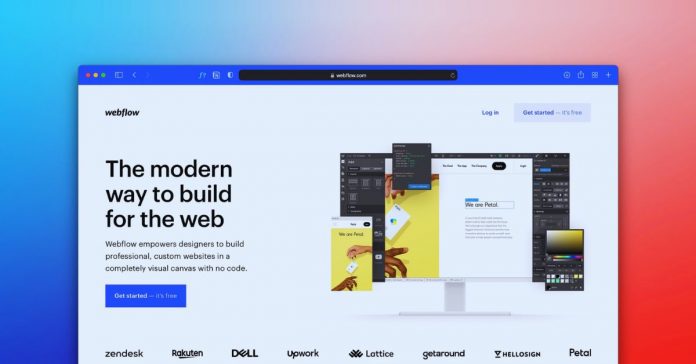
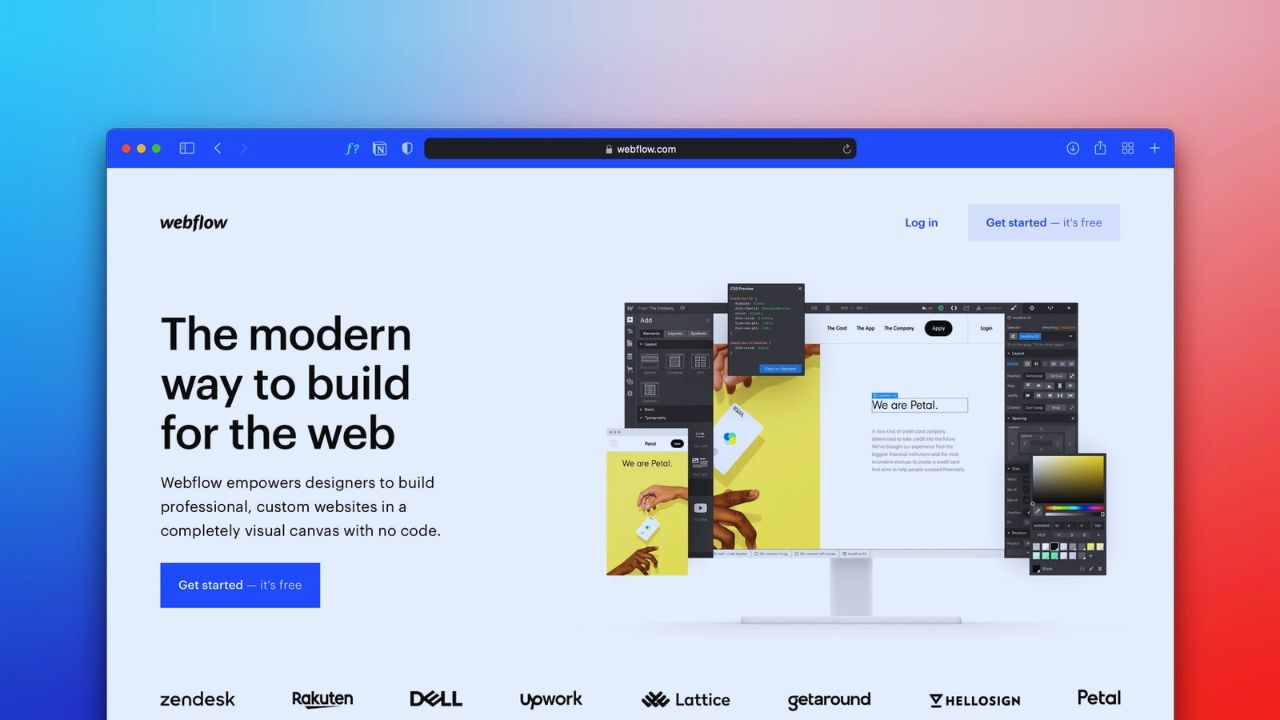
Webflow gives more control over layout, spacing, and interactions, but it takes more learning. The right choice depends on whether you need fast publishing or deeper design control.
Why Landing Pages Are Different
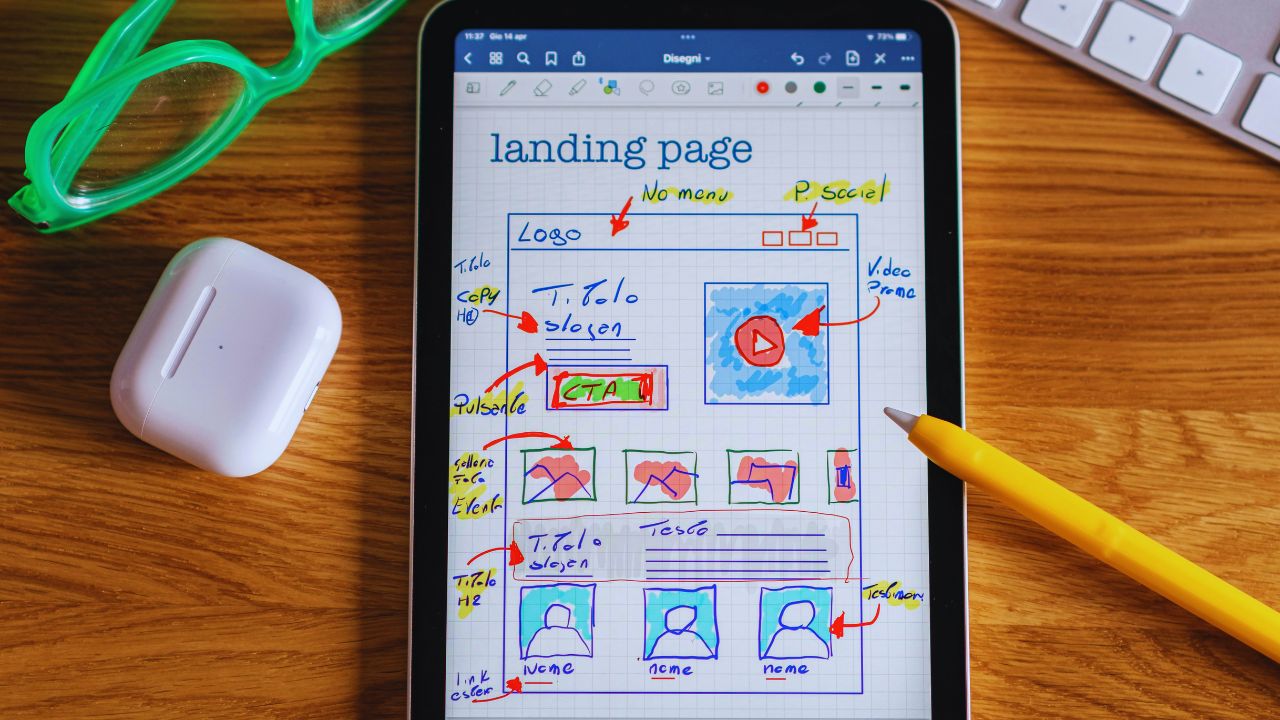
A full website gives visitors several paths, while a landing page focuses attention on one decision. That difference changes how the page should be planned, written, and tested.
One Offer Needs One Path
A landing page works best when the visitor can quickly understand the offer and the next step. That might be joining a waitlist, registering, downloading a guide, booking a call, or buying.
Extra menus, unrelated links, and long side sections can weaken the conversion path. The cleaner the page feels, the easier it is to judge whether the offer is working.
When a No-Code Builder Fits
No-code tools are useful when the campaign is simple enough to launch without custom development. They work especially well for short campaigns, small tests, and pages needing fast edits.
Simple Campaigns Benefit Most
A no-code landing page can work for an ebook download, course waitlist, consultation offer, event signup, newsletter form, or small product launch. Unbounce may suit marketers who need A/B testing and campaign tracking built into the workflow.
Carrd may be enough for a creator collecting emails for a new project. These tools are strongest when the goal is clear and limited.
What to Check Before Choosing
A polished template library can be helpful, but it should not be the only reason to choose a platform. The builder also needs to match your skills, traffic source, and campaign goal.
Features Should Match Real Use
Look at the editor, form options, mobile preview, integrations, analytics, and publishing limits before committing.
Check whether the platform supports tracking scripts and conversion events. If you need email capture, confirm that the form connects to your email tool without awkward workarounds.
A useful landing page builder should make daily changes easier, not trap you inside hidden limits.
Templates Save Time, But Need Editing
Templates help people launch faster because they already include section order, spacing, and basic page structure. However, demo pages often use vague headlines, fake testimonials, and generic images that should not remain live.
Replace Demo Content With Details
A template for a webinar should include the date, speaker name, topic promise, agenda, and registration form.
A product page should show price, images, proof, and call-to-action near the right sections. The page becomes more trustworthy when the content matches the actual offer.
Forms and CTAs Need Review
The form and call-to-action decide whether the page can do its job. A beautiful design will still underperform if the button is unclear or the form asks for too much.
Keep the Next Step Easy
For a free checklist, asking only for an email may be enough. For a consultation, name, email, company, and one short message field may make sense.
Avoid asking for phone numbers, budgets, job titles, and company size unless those details are truly needed. Strong CTA wording should tell visitors what happens next, such as “Get the Guide” or “Reserve My Seat.”
Speed and Mobile Layout Matter
Landing pages often receive traffic from social posts, email links, or paid ads. Many visitors arrive on phones, sometimes through slower mobile connections.
Heavy Pages Waste Attention
Large hero images, video backgrounds, animation effects, and too many embedded scripts can slow the page before visitors read the offer.
Webflow and Unbounce can both create polished pages, but final speed depends on what you add. Compress images, remove unused sections, and test the mobile version before launch. A faster page protects visitor attention and campaign budget.
Integrations Shape the Workflow
A page rarely works alone. It usually needs to send leads, purchases, or registrations somewhere else, so integrations deserve early review.
Check Connections Before Launch
Confirm that the tool connects with your email platform, CRM, analytics, payment tool, or webinar software. Test whether form submissions reach the right list and whether confirmation emails work.
Also, check what happens after submission: thank-you page, redirect, download, or calendar booking. These details create a smoother workflow and prevent missed leads.
Also Read: How to Avoid Limitations in No-Code Tools
Limitations Matter Before You Pay
No-code tools remove many technical barriers, but they still have limits. Some restrictions only appear after you try to publish, connect a domain, or add tracking.
Review Plans and Platform Rules
Free plans may include platform branding, limited pages, subdomains, or fewer integrations. Some builders lock A/B testing, custom code, or advanced analytics behind higher tiers.
If you need client access, multiple campaigns, or white-label use, check those limits early. Pricing should match actual usage, not just the cheapest starting plan.
First-Time Users Should Stay Lean
A first page does not need every feature available in the builder. Too many sections can make the offer harder to understand.
Start With a Simple Structure
Begin with a headline, short explanation, benefit section, proof, form, and CTA. Add a FAQ only if visitors may hesitate because of price, timing, or access.
Remove decorative sections that do not support the decision. A lean page is easier to test and improve after traffic starts arriving.
Use this short pre-launch check:
- Mobile layout
- Form delivery
- CTA clarity
- Tracking setup
Conclusion: Choose Around the Campaign
A no-code landing page tool should help you publish faster without making the campaign harder to manage later.
Start with the offer, traffic source, form needs, tracking setup, and editing comfort before choosing between simple tools like Carrd or more advanced builders like Webflow and Unbounce.
Test the mobile layout, form delivery, integrations, speed, and pricing limits before sending traffic. The best tool is the one your team can edit, measure, and improve without waiting for developers.











