

How Long It Takes to Build a Site With a Builder depends on your content, design choices, and platform. Most builders offer ready-made tools that speed up the process.
With basic templates, you can launch in a few hours or days. This article explains the key steps and time estimates clearly.
Factors That Affect Build Time
How long it takes to build a site depends on your site’s purpose and how complex it is. These two factors influence all tasks during setup.
Type of Website
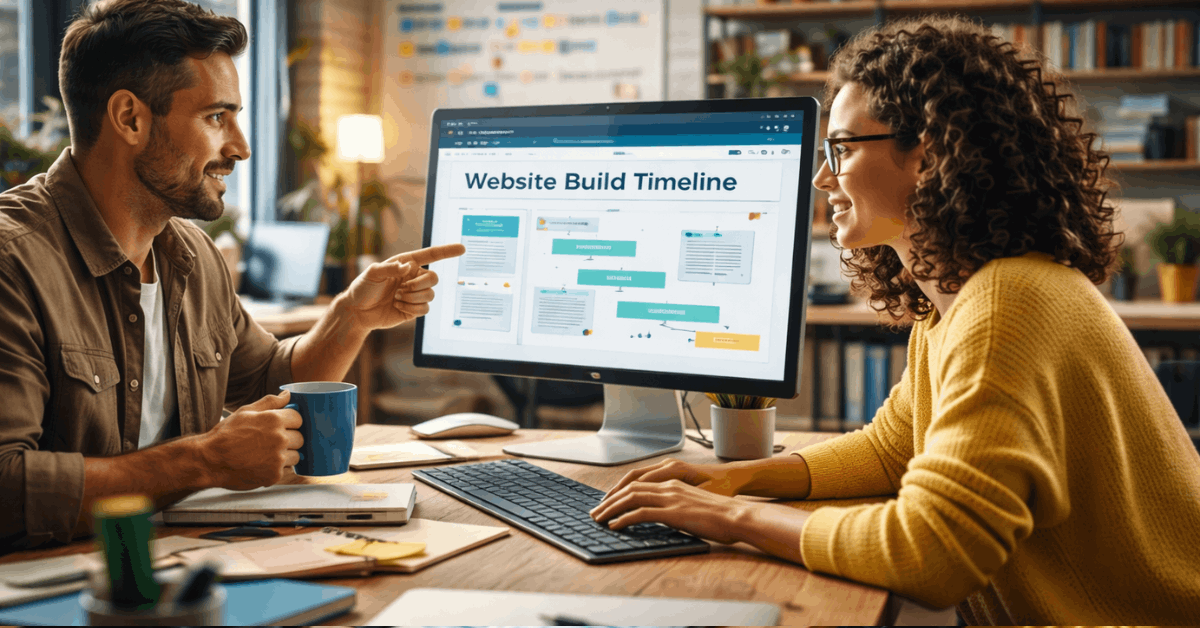
The kind of website you want to create affects your build time. Each type has different page counts, features, and content needs.
- Personal blog or resume site – Simple structure with limited pages, often completed in one day using a basic template.
- Business website – Includes service pages, contact forms, and branding elements, usually taking 2–3 days to finish.
- E‑commerce website – Requires product listings, payment setup, and checkout testing, commonly taking 3–5 days.
- Portfolio website – Focuses on visuals, galleries, and case studies, with build time varying between 2–4 days depending on content.
Complexity of Features
If your site has custom forms, booking tools, or member access, expect it to take longer. Static pages are faster to complete.
E-commerce features like carts and product pages add time. Every added function adds more setup and testing steps.
Average Build Time by Platform
Your platform matters. Some are built for speed, while others offer more power at the cost of time.
Wix, Squarespace, and Weebly
These platforms are known for easy setup and fast results. You can launch small sites in 1–2 days using drag-and-drop tools. Templates help speed things up. Content prep is usually what takes the longest.
Shopify and BigCommerce
Online stores need more time than blogs or portfolios. You’ll spend hours setting up products, payments, and shipping. Expect 3–5 days for a full store setup. Testing is critical before going live.
WordPress.com and Webflow
These tools offer more control but need more time. Beginners take longer due to the learning curve.
WordPress can be launched in 2–4 days with prep. Webflow may take 5 days or more with custom elements.
Stage-by-Stage Time Estimates
Each step has its own time range. Knowing them helps you plan realistically.
Account Setup and Template Selection
Setting up your builder account and picking a template takes 10–30 minutes. Most of the time is spent choosing a layout. Faster decisions save time. Stick to industry-based templates to move quickly.
Customizing Layout and Pages
Layout changes and page creation can take hours. A basic 5-page site might need 2–4 hours.
More complex layouts or animations need 6 hours or more. Using pre-set blocks helps reduce effort.
Adding Content (Text, Images, Video)
Uploading and formatting your content can take 3–10 hours. Preparing text, images, and links is the most time-consuming part. Poor organization slows you down. Have content ready to speed up publishing.
Testing and Optimization
Testing includes mobile layout, speed, and functionality. This takes 1–3 hours. You’ll also check links, forms, and image performance. Don’t skip SEO settings and mobile responsiveness checks.
One-Day Builds vs Multi-Day Projects
Some sites can go live fast. Others need several days depending on scope.
Single-Page or Landing Sites
You can build a landing page in 2–4 hours. They’re great for events or limited offers. Use a single-column layout and focused messaging. Templates simplify this process.
Full Business Sites or Stores
Larger sites need more work. A full business site with 5–7 pages usually takes 2–3 days.
Online stores need 4–5 days due to product details. Testing everything from checkout to mobile view is essential.
Key Features That Slow You Down
These tasks add time to any build. Each feature adds extra setup and testing.

Blog Setup and Categories
Setting up a blog adds complexity. You’ll need to create categories, tags, and test layouts.
It takes 2–3 hours for setup and 1–2 hours to format initial posts. Writers should prepare articles before the build.
Payment Gateways and Checkout Settings
Payments require testing and account setup. Stripe, PayPal, and other methods take 1–3 hours to configure.
You’ll also manage tax and shipping options. Sample orders help ensure everything works.
SEO and Analytics Integration
Adding SEO tags, meta descriptions, and Google Analytics takes time. Builders offer fields but you must fill them manually. Expect 2–3 hours for full integration. Tracking helps monitor long-term growth.
Build Time With vs Without Templates
Templates change your timeline drastically. Custom work adds hours of editing.
Using Pre-Designed Templates
Templates help you launch fast. You’ll simply replace content, change fonts, and go live.
With everything ready, you can finish in 6–12 hours. Templates also improve design consistency.
Starting From Scratch
No-template builds take longer. You’ll create layouts, style elements, and structure the site.
This can take 3–6 days depending on experience. Only advanced users should skip templates.
Build Time by User Skill Level
Your skill level makes a big difference. Beginners and experts follow different timelines.
Beginner Users
Beginners may take 2–5 times longer than experts. They spend time learning editor tools and fixing mistakes. A basic site may take 4–7 days. Templates and tutorials reduce confusion.
Intermediate to Advanced Users
Experienced users move faster. They already know what tools and layouts work best. A 5-page site can be done in less than a day. Their experience with SEO and mobile testing also saves time.
How to Speed Up the Build Process?
You can cut build time with better planning and smarter tools. Here’s how to stay efficient.
Prepare Content in Advance
Always organize your text, images, and links before logging in. This avoids hours of editing later.
You’ll focus on design, not writing. Having a folder with all content helps you stay on track.
Stick to One Template and Color Scheme
Switching designs mid-way causes delays. Pick a color palette and layout and stick to it. Avoid frequent edits once you start. This keeps your workflow focused.
Use AI and Builder Automations
Modern platforms have AI tools for layouts and section design. They also help with image resizing and formatting. This can save 2–3 hours overall. Use automation when available.
Maintenance Time After Launch
After launch, expect to invest time weekly or monthly. Maintenance keeps your site updated and secure.
Updates and Edits
Content needs regular updates. Bloggers spend 1–2 hours weekly adding posts. Business sites might update contact info or services monthly. Stores handle product listings and order updates.
Security and Backups
Most builders offer automated backups and security patches. Still, it’s wise to check your admin settings.
Manual backups are useful for added protection. Review permissions every few weeks.
When to Hire a Freelancer or Agency?
Sometimes it’s better to pay for help. Outsourcing shortens your timeline.
Time vs Cost Trade-off
Hiring a freelancer can get your site done in 3–7 days. This skips learning curves and mistakes. You’ll pay more, but launch faster. Prepare all content before hiring to avoid delays.
Managing Revisions and Scope
Clear instructions save time. Define how many rounds of edits are allowed. Agree on timelines before work begins. Always request handover guides if you’ll manage the site later.
Final Thoughts: What to Expect Based on Your Project
How long it takes to build a site with a builder depends on your goals and the site’s complexity.
A landing page may take just a few hours, while a business site often takes several days.
Extra features like e-commerce or custom forms extend the timeline. Planning and using templates helps you finish faster.











