
A website builder gets a project online without code. The challenge is avoiding choices that create rework. Wix, WordPress, and Shopify suit different sites. This guide covers checks for structure, speed, content, and upkeep.
Choose the Builder Around the Work
A builder should support visitor tasks. Start with the site purpose, not the demo.
Plan Pages Before Touching a Template
Sketch the homepage, key pages, and visitor route. A service business may need services, locations, proof, and an inquiry page, while a store needs collections, products, and delivery details.
This map prevents missing pages and weak menus. It also shows what tools you need before you buy a plan.

Match the Layout to the Content
A template should fit content, not only colors. A portfolio grid can work for a photographer but may hide prices and service details for a repair company.
Review needed content blocks, such as forms, products, articles, and questions. A close fit reduces rearranging and makes demo sections easier to remove.
Protect the Mobile Experience Early
Phone visitors need clear text and buttons. Review mobile during the build, not only before publishing.
Test the Main Journey on a Phone
Open the preview on a real phone and complete the main task. Try finding a service, adding a product, sending an inquiry, or reading a key page.
Check button size, fields, crops, and headings. Desktop screens can hide problems that appear on phones.
Replace Demo Material Before Judging Design
Placeholder text can make a weak template look organized. Replace it early with real headlines, images, prices, and contact details.
This shows whether the layout supports your message or only sample copy. Remove invented testimonials, unused links, and vague claims.
Add Features With a Clear Reason
Apps, plugins, pop-ups, and widgets can solve problems. They can also create slow pages and maintenance.
Add Tools Only When They Solve a Job
Before installing anything, write down the task it should handle. A booking tool may replace email scheduling, while a review widget can show proof.
Check whether the builder includes the same function. Fewer parts make layout issues, billing changes, and failed updates easier to trace.
Also Read: Website Builders for Low-Budget Projects
Keep the Homepage Quiet and Direct
A homepage does not need every announcement at once. Give visitors one action: view products, request a quote, or book a call.
Limit autoplay videos, banners, and pop-ups that distract from the main message. A quieter page makes useful sections easier to see.
Set Up Search, Speed, and Measurement
Manage search and performance before pages multiply. Use the first launch to establish repeatable habits.
Review these launch essentials:
- Titles: clear page topics
- Images: useful alt text
- Links: working destinations
- Tracking: visits and actions
Make Basic SEO Part of Publishing
Write specific page titles and descriptions, then use headings to organize details. Describe images rather than repeating keywords.
Keep URLs understandable and redirect old pages when locations change. These details help visitors and search systems understand a page without repeated phrases.
Measure the Site Before Changing Everything
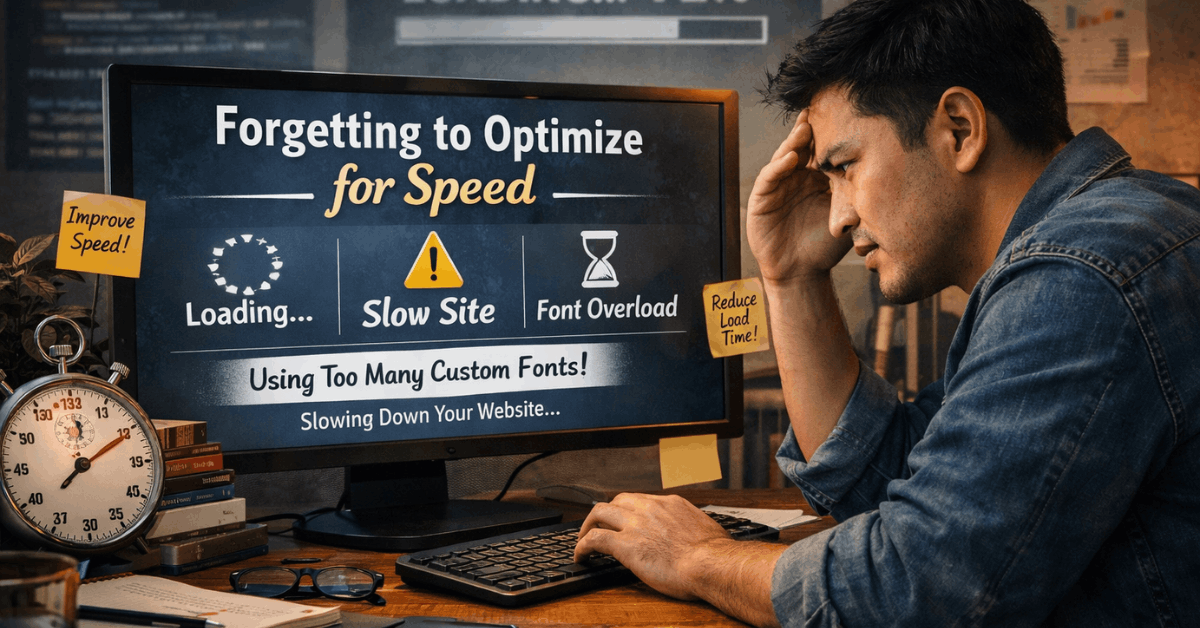
Add available analytics before promotion begins. Review visits, exits, forms, and purchases. Test large images, scripts, and add-ons when pages feel slow. This evidence beats guessing from your editing experience.
Use Each Platform’s Strengths Carefully
Wix, WordPress, and Shopify handle tasks differently. Knowing limits helps you use features well.
Wix Still Needs a Manual Mobile Check
Wix creates a mobile-friendly view in its editor, but you should still review the live page on several screens.
Check whether hidden elements, long text, and overlaps affect the page. Keep the mobile view enabled and adjust content order. Test menus and forms after layout changes.
WordPress Needs Updates and Recoverable Backups
Self-hosted WordPress offers flexibility, but themes and plugins need review. Use trusted tools and remove outdated features.
Before changes, keep files and data; the official WordPress backup guidance explains why a complete restore needs both. This backup habit helps when updates break layouts, forms, or extensions.
Shopify Needs Lean Product Pages
Shopify handles some store performance automatically, yet owners control media, themes, and apps. Replace generic product copy with clear descriptions, images, delivery details, and returns information.
Review whether each app helps sales enough to justify its cost. Test search, filters, and checkout paths before shoppers buy.
Protect Access and Recovery
Security decisions are easier before several people edit the site. Build recovery habits before an error affects customers.
Keep a record of billing, domains, and essential app connections, then review ownership after staff changes or when team roles change significantly.
Give Each Person Separate Access
Give every collaborator a separate login. Use strong passwords and enable available two-step protection. Do not share the owner account for convenience. Remove access when a role ends.
Test a Backup Before Major Changes
Create a backup before updating a theme, plugin, or product setup. Confirm where the restore copy is stored. Practice restoring a test version when possible. A backup helps only when it is recent and usable.
Publish With a Simple Review Routine
A review catches mistakes invisible while you edit. Treat launch as the first version, not the end of maintenance.
Ask a Fresh Visitor to Try One Task
Invite someone else to find one answer or complete one action. Watch for hesitation around menus, prices, forms, or messages.
Their first reaction exposes unclear labels and missing details. Fix the largest obstacle, then retest before changing unrelated parts.
Give Ongoing Tasks a Named Owner
Decide who updates contacts, prices, products, posts, and banners. Keep separate access for each collaborator and remove it when roles change.
A note listing the owner, last update, and source prevents outdated pages remaining public. This matters as pages, apps, and users are added.
Conclusion: Build a Stronger First Version
A website builder saves time with a clear plan. Match platform and layout to your content, then test the visitor route.
Keep features lean, publish real information, and protect updates. A useful site is one people can understand and maintain.