

A personal brand site gives your work a home beyond changing social platforms and unpredictable algorithms. It should explain what you do, show proof, and give a specific audience one clear next step.
Squarespace, Wix, WordPress.com, Webflow, and Framer support different approaches across creative careers. Pick the builder that fits your content rhythm and weekly capacity after launch.
Start With the Job of Your Site
Start with the real job of the site and intended audience before design work begins. Define the main purpose before comparing templates or design effects.
Decide What the Homepage Must Accomplish
Visitors should quickly understand who you help and what you offer. Lead with a headline, explanation, proof, and one relevant action.
A consultant may need service details and bookings, while a designer may need selected projects. This page priority stops the homepage becoming a crowded social archive.

Gather Proof Before Choosing a Template
Collect outcomes, testimonials, samples, clips, and photos that represent your work. Prefer three strong examples over vague claims, decorative logos, or unrelated achievements.
A writer could show case studies, while a coach could share approved feedback. This proof library lets content determine needed sections.
Squarespace: Cohesive Pages With Less Guesswork
Squarespace uses templates, sections, and site-wide style controls. It favors visual consistency over free placement.
Best for a Polished Portfolio or Service Site
Squarespace suits photographers, writers, consultants, makers, and small studios needing portfolios or editorial pages. Its style system keeps biographies, galleries, contact pages, and shops visually related.
Visitors recognize the same brand across each page. The structured editor helps collaborators make routine updates without rebuilding layouts.
Watch for Limits on Unusual Layouts
It may feel restrictive when your brand needs unusual logic, custom interactions, or intricate information architecture.
Forcing complexity into every section creates unnecessary frustration. Use the template as direction, then simplify around real materials. This design restraint fits brands where consistency matters more than exact placement.
Wix: Flexible Editing for Mixed Content
Wix combines templates, visual editing, AI starting options, and business tools. It suits people wanting visible control.
Best for Frequent Page and Offer Changes
Wix suits brands combining articles, services, inquiry forms, bookings, landing pages, and digital offers. Its editor lets you test page order, replace images, and adjust sections as your message changes.
A consultant can create service, results, questions, and speaking pages. That editing freedom supports useful iteration through the year.
Also Read: Website Templates for Fast Launches
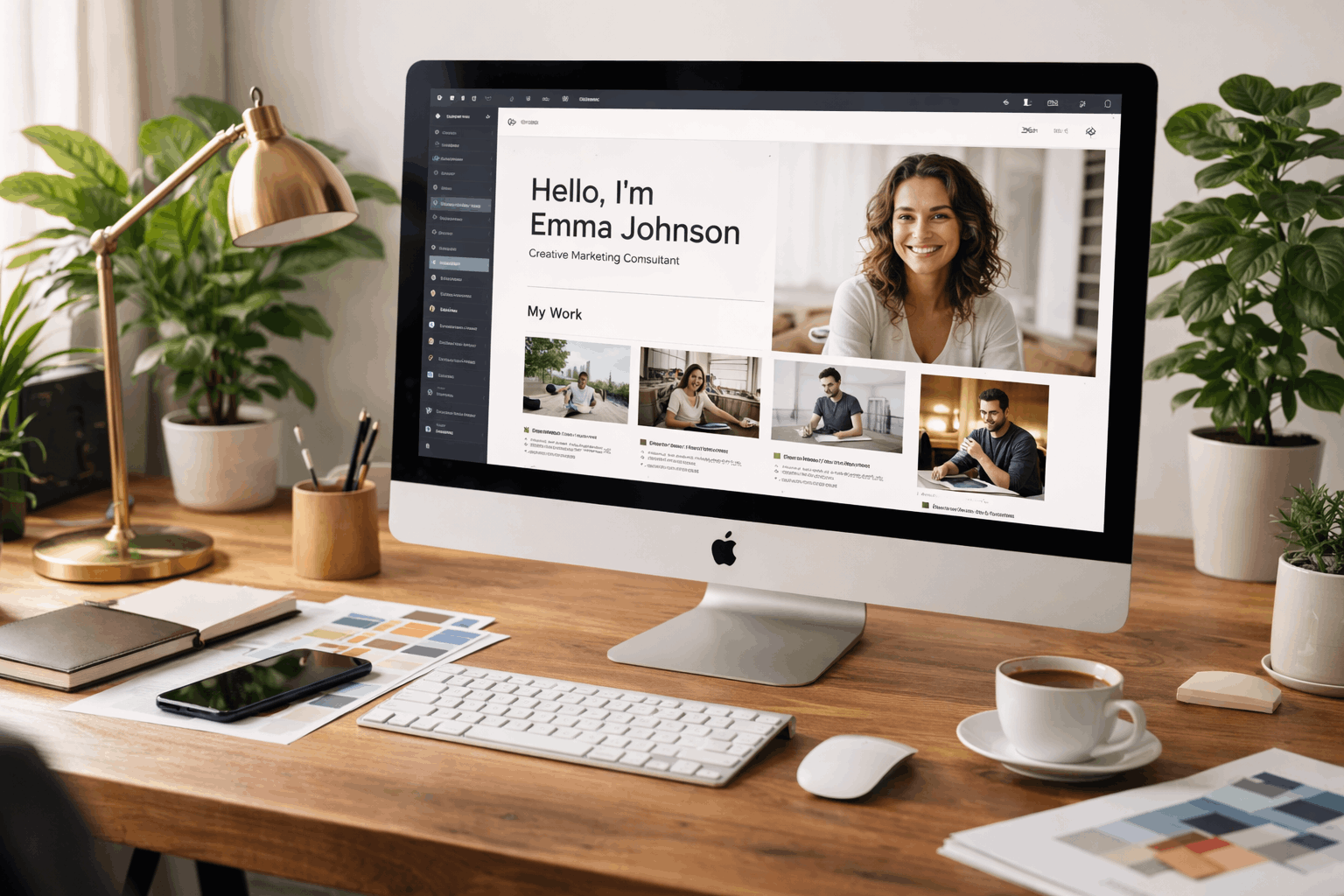
Keep a Small Visual Rulebook
Freedom can create inconsistency when pages use different spacing, colors, buttons, and image treatments. Choose two fonts, a limited palette, shared buttons, and simple image rules before expanding.
Review mobile layouts after desktop changes, especially forms and long headlines. This visual routine prevents the brand from feeling scattered.
WordPress.com: Better for Content That Grows
WordPress.com centers on posts, pages, themes, and visual editing. It becomes a publishing home for growing resources.
Best for Writers, Educators, and Analysts
WordPress.com works well for articles, guides, newsletters, and searchable archives. Categories and tags organize recurring topics, while pages hold a bio, services, contacts, and media links.
A researcher can build a library that makes older insights easier to find. This content structure gains value as useful material grows.
Set Editorial Rules Before Importing Content
Theme hopping wastes time and makes a brand inconsistent, so choose one direction and refine it gradually. Check domain, theme, plugin, storage, and newsletter needs before importing an archive.
The WordPress.com Site Editor guide explains visual headers, footers, and templates. This editorial system needs category rules, image sizes, and a realistic schedule.
Webflow: Detailed Control for a Designed System
Webflow offers responsive controls, reusable components, and structured CMS content. It rewards layout logic over quick block-moving.
Best for Case Studies and Custom Portfolios
Webflow suits designers, agencies, and specialists needing precise typography or distinct case studies. CMS Collections keep projects, articles, testimonials, and resources consistent without redesigning entries.
A strategist can reuse fields for problem, approach, result, and images. This reusable structure supports growth without losing the visual system.
Plan for a Longer Learning Curve
Webflow needs more patience with containers, classes, spacing, and breakpoints than template-first builders.
It works best when one person defines components and style rules first. Build a small sitemap, add necessary components, and test each page on a phone. This builder-editor model limits accidental layout changes.
Framer: Quick, Focused Sites With Modern Presentation
Framer supports visual iteration and direct content editing. It suits brands needing a focused launch.
Best for a Portfolio or Campaign Page
Framer can work for a creator page, speaker profile, portfolio, service, or campaign landing page. Its templates and visual canvas can turn a headline, proof section, and contact route into a credible release.
A workshop creator can publish promise, timetable, proof, and registration quickly. This quick launch supports early feedback.
Confirm Limits Before You Expand
Check plan allowances, custom-domain needs, collaboration options, and CMS capacity before promising complex workflows. Keep information architecture simple, then add pages when visitor questions prove value.
Framer lets selected collaborators edit content directly on published sites, but shared rules remain important. This scope control keeps one-page projects from becoming operations platforms.
Test a Builder With Your Real Materials
A trial should use your headline, proof, images, and contact route. It reveals maintenance work, not merely attractive templates.
Use these trial checks before buying an annual plan:
- Message: Can visitors understand your work quickly?
- Proof: Can you show work or testimonials clearly?
- Mobile: Does the main action remain easy?
- Updates: Can you edit without breaking layout?
Build One Complete Visitor Route
Create a homepage leading to proof and then to an inquiry, booking, subscription, or download. Ask someone unfamiliar with your work to use the site and explain what they think you offer.
Notice questions, skipped pages, and hesitation. This real-world test shows whether the builder supports your message better than a feature list.
Set Ownership and an Update Routine
Record who manages domains, billing, forms, email lists, and access before the project becomes important. Decide how often to refresh portfolios, publish articles, replace outdated claims, and test contact routes.
Use separate collaborator accounts instead of sharing an owner login. This maintenance plan keeps the site useful during responsibility or platform changes.
Choose the Builder You Will Keep Using
A personal brand site needs clear positioning, credible proof, and regular care. Squarespace and Wix support fast launches, while WordPress.com, Webflow, and Framer support different publishing needs.
Choose the working style you can maintain. A modest site that stays accurate, mobile-friendly, and easy to update is better than a complex design left untouched.











