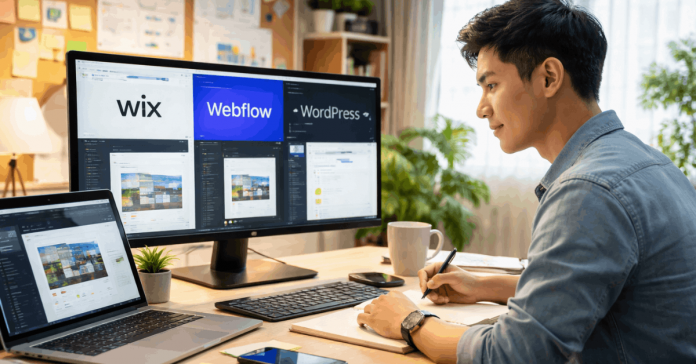
A website platform determines how you build, publish, and maintain a site. Wix, Webflow, and WordPress.org can all produce professional pages, but they distribute control differently.
The best option depends on your content, editing habits, budget, and available support. This comparison explains the practical trade-offs before you commit to a long build.
Begin With the Work Your Site Requires
Start by listing what visitors must do and what editors must update regularly. That daily work reveals more than a polished template preview ever can.
Hosted Builders Reduce Early Technical Setup
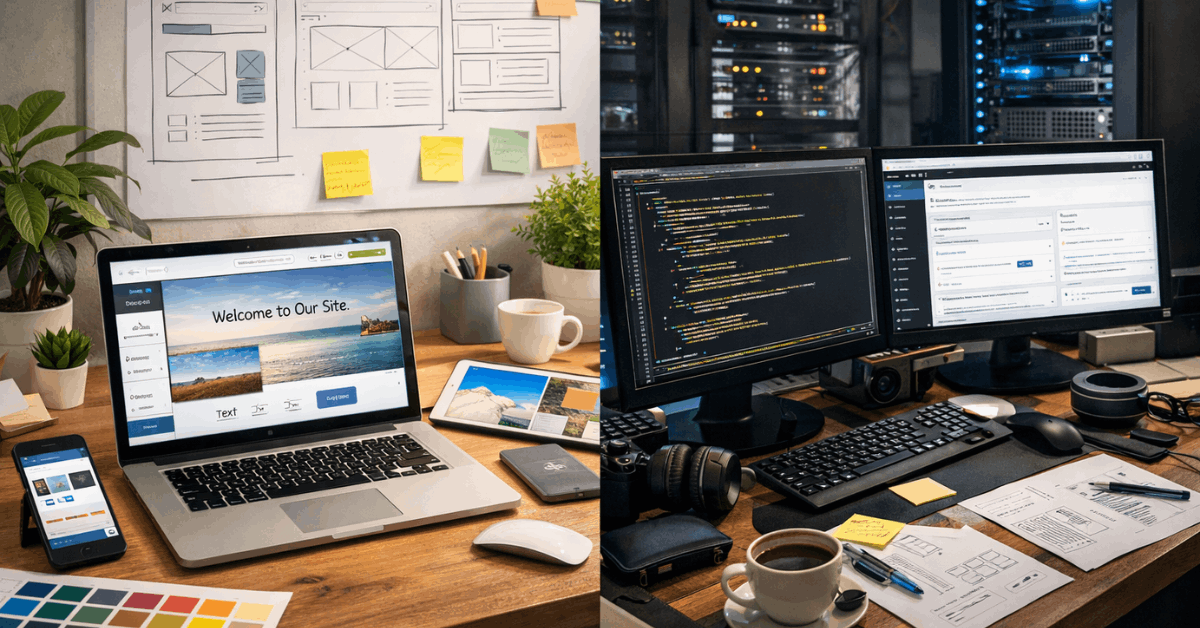
Wix and Webflow combine hosting with visual design tools, so you can begin without configuring a server. This often suits a portfolio, local service site, campaign page, or small catalog with predictable needs.
You can focus on pages and content instead of basic hosting tasks. In return, your site follows the platform’s publishing rules, account structure, feature limits, and available integrations.
A CMS Adds Control and Responsibility
WordPress.org is software installed on separate hosting, then extended with a theme and selected plugins. That structure can suit publishers, membership projects, and businesses needing unusual content rules or customized features.
It offers greater flexibility, but someone must manage updates, backups, hosting, and plugin compatibility. The choice works best when a named person understands which changes affect security, speed, and everyday editing.
How the Three Platforms Differ in Practice
The differences become clearer after the first homepage is finished. Consider who will change text, add content, review orders, and solve routine problems.
Wix Is Built for Guided Website Tasks
Wix may suit an owner who wants a straightforward business site without managing many technical settings. Its visual editor and built-in options can handle contacts, bookings, simple stores, and marketing pages.
Choose the starting template carefully because changing to another template can require rebuilding in a new site.
That matters when your site structure includes media, several pages, search settings, and connected features.
Webflow Gives More Design Control
Webflow suits people who care about responsive layouts, detailed styling, reusable components, and visual consistency.
Its CMS organizes repeating entries, such as articles, projects, recipes, or team profiles, through structured Collections.
This can support a design system while allowing editors to publish similar pages later. However, the interface takes practice, and rushed builds can leave confusing classes, uneven components, or unclear editing instructions.
Also Read: How Website Builders Simplify Web Design

WordPress.org Handles Customized Publishing
WordPress.org can run a simple blog, but it becomes especially useful when a project needs specialized content, plugins, or development.
Themes control presentation, while plugins can add stores, memberships, forms, search tools, and other functions.
This creates more options, yet too many add-ons can slow the site or cause update conflicts. Use official WordPress backup guidance before changing themes, plugins, hosting settings, or other parts that may affect recovery.
Match the Platform to Your Content Pattern
The page count matters less than the type of information you publish repeatedly. Think about the editing pattern before choosing the interface that feels easiest on launch day.
Plan Around What Changes Every Week
A local salon may update hours, services, and booking details occasionally, while an editorial site may publish several articles daily.
Wix can make ordinary business changes manageable, Webflow can organize structured marketing content, and WordPress.org can adapt to varied publishing setups.
The right platform supports repeat tasks without forcing editors through unnecessary steps. Check whether a real editor can add a post, update a page, replace an image, and preview changes without asking for help.
Stores Need More Than Attractive Product Pages
Wix, Webflow, and WordPress can support selling, but each handles growing store needs differently. A small catalog may need products, payments, delivery terms, and stock notes, while a larger shop can require variations, taxes, subscriptions, and integrations.
Test the customer journey, including checkout, order alerts, refunds, inventory updates, and the effort needed to add products later. Choose based on your actual operations, not only on a product page that looks polished in a demo.
Review Costs, Search, and Site Ownership
A platform can look affordable until more pages, users, forms, and tools are needed. Compare the long-term workload as closely as the monthly price.
Budget for Support After the Launch
Hosted builders usually combine software and hosting into recurring plans, while WordPress.org separates hosting, themes, plugins, and maintenance.
The cheapest plan can change once you need staff access, commerce tools, storage, extra forms, or premium extensions.
List first-year costs, including renewals and support, before transferring a domain or building many pages. This makes a predictable subscription easier to compare with a self-hosted setup that offers more control but variable expenses.
Search Basics Still Need Human Attention
Every option offers settings for titles, descriptions, headings, image details, and page addresses. Search performance depends on specific useful content, internal navigation, speed, and correct technical settings, not the platform name alone.
Do not assume SEO is automatic because a template has an optimization label. Review important pages for clear titles, sensible URLs, image alt text, redirects, and access settings before sharing the site publicly.
Test the Platform With a Small Real Build
A trial is useful only when it includes actual content and actions. Do not decide from a homepage demo or a template gallery alone.
During a trial, check these core tasks:
- Edit: Update a page.
- Mobile: Complete the main task.
- Content: Add a post.
- Recovery: Find access settings.
Build One Complete Visitor Journey
Create a small version of the experience that matters most to your project. A service site can explain an offer, answer a common question, and collect an inquiry; a store can display a product and test checkout settings.
Notice where the editor slows down, which settings feel unclear, and whether a teammate can repeat the process. This hands-on test reveals more than feature lists because it uses the work your live site must handle.
Test the Editor Handoff as Well
A designer may understand a platform while a writer, assistant, or client struggles with routine changes. Ask the future editor to update text, replace an image, publish content, and find the preview.
Write down where they pause, because those moments reveal maintenance risk. A tool is not a good fit when every ordinary update requires the original builder to intervene.
Choose for the Work You Will Maintain
Wix can be useful for guided publishing and straightforward business sites. Webflow may suit teams that need stronger design control and structured marketing content.
WordPress.org can fit projects requiring customization and people prepared to manage upkeep. Choose the platform that makes next year’s updates, testing, and ownership realistic today.