
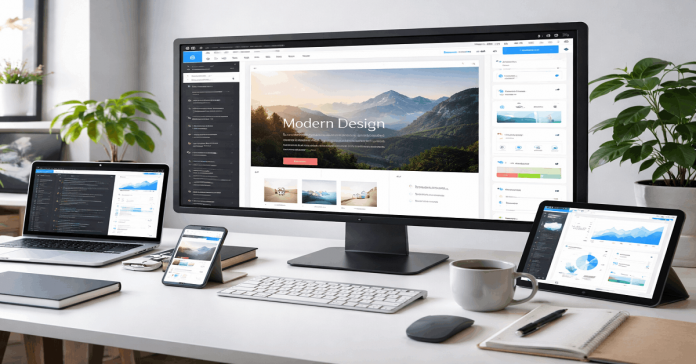
Behind the editor, most platforms translate your choices into structured content, design rules, and reusable site components.
They also connect practical tools like templates, blogs, forms, analytics, and integrations into one workflow.
Knowing what happens behind the scenes helps you pick the right builder, troubleshoot issues faster, and maintain a cleaner online project.
From Clicks to Code: The Build Pipeline
Website builders convert your visual edits into a structured “site model” that stores pages, sections, and components.
When you click around in the editor, the platform updates this model instead of directly editing raw HTML files.
A rendering step then turns that model into real page output, either on demand or during publishing.
The final result is a deployed site that can be served quickly to visitors while still being easy to edit later.
Visual Editors and Component Systems
Drag-and-drop blocks usually map to components like headers, galleries, and buttons that have rules and settings.
Each component carries layout data, content fields, and styling options so the builder can rebuild the page consistently.
This component approach also makes templates portable, because the same blocks can be reused across many projects.
Templates as Structured Starting Points
Templates are typically prebuilt collections of components, style tokens, and page layouts packaged as a starting blueprint.
When you apply a template, the builder copies those structures into your project and links them to theme settings.
This is why swapping templates later can be hard, because your content becomes tied to specific layout assumptions.

Hosting, Domains, and DNS Integration
A builder is not only an editor, because it also needs hosting infrastructure to serve pages reliably worldwide.
Most platforms bundle hosting so your site runs on their servers, which simplifies setup for beginners and small teams.
Domain connection is handled through DNS records that point your custom domain to the platform’s publishing system.
Many builders also include SSL and edge routing so visitors get secure, fast connections without manual server work.
Automated DNS and SSL
Some builders guide you through adding DNS records, while others can manage DNS directly if you use their registrar.
SSL certificates are often issued automatically and renewed in the background so HTTPS stays active without extra steps.
This automation reduces common launch problems, like misconfigured records or insecure pages that browsers warn about.
Deployment Targets and Edge Networks
Publishing can mean pushing files to a global CDN, generating server-rendered pages, or updating a managed runtime.
Edge networks cache pages close to visitors so the site loads quickly even when the origin servers are far away.
This matters for blogs and landing pages, because speed affects user experience, search visibility, and conversion rates.
Content Management Under the Hood
Many website builders include a lightweight CMS so you can create blog posts, product listings, and resource pages.
Instead of editing each page manually, you store content in collections and let templates display it consistently.
The platform then combines your design with database content to generate pages that look uniform and stay easy to update.
This is why builders can scale from a simple site to a multi-page project without requiring traditional coding.
Media Storage and Optimization
Images and videos are often stored in separate media systems that handle resizing, compression, and responsive formats.
When you upload a file, the platform may generate multiple versions for different devices and connection speeds.
This helps blogs and template-heavy sites stay fast, because large media is one of the most common performance bottlenecks.
Themes, Styling, and Responsive Layout Engines
A builder’s design panel usually writes styling into a theme layer that controls fonts, colors, spacing, and UI patterns.
Rather than editing CSS line by line, you adjust design tokens that apply across sections and templates.
Responsive behavior is managed by layout engines that translate your settings into rules for mobile, tablet, and desktop.
This is why the same content can adapt to different screens without you rebuilding every page from scratch.
Design Tokens and Global Styles
Tokens are reusable settings like “primary color,” “body font,” and “button radius” that keep designs consistent.
Global styles let you update a site quickly, because changing one token can update dozens of components at once.
Responsive Rules and Preview Modes
Builders typically store breakpoint rules that control how grids, padding, and typography change across screen sizes.
Preview modes simulate devices, but the real work is the platform generating layout rules that browsers follow.
Performance, SEO, and Accessibility Automation
Behind the scenes, builders run optimizations like minifying code, compressing assets, and caching static content.
They also generate technical SEO basics such as sitemaps, canonical tags, and structured metadata settings.
Accessibility tools may flag contrast issues, missing alt text, and incorrect heading order during editing.
These automated checks matter because they improve reach and discoverability without requiring deep technical expertise.
Build-Time Optimization and Caching
Some platforms pre-render pages during publish time so visitors receive ready-to-load HTML with fewer runtime costs.
Others rely on server rendering plus caching, which can help dynamic content while still keeping pages quick.
Performance settings often include image lazy-loading, script bundling, and font delivery strategies managed automatically.
Metadata, Indexing, and Audits
SEO panels usually map to real HTML metadata, open graph tags, and robots directives that crawlers read.
Blog features often include category pages, pagination, and RSS feeds that builders generate to support publishing workflows.
Many builders also surface audit-style reports so you can fix issues that might limit ranking or accessibility compliance.
No-Code Apps, Integrations, and Security Layers
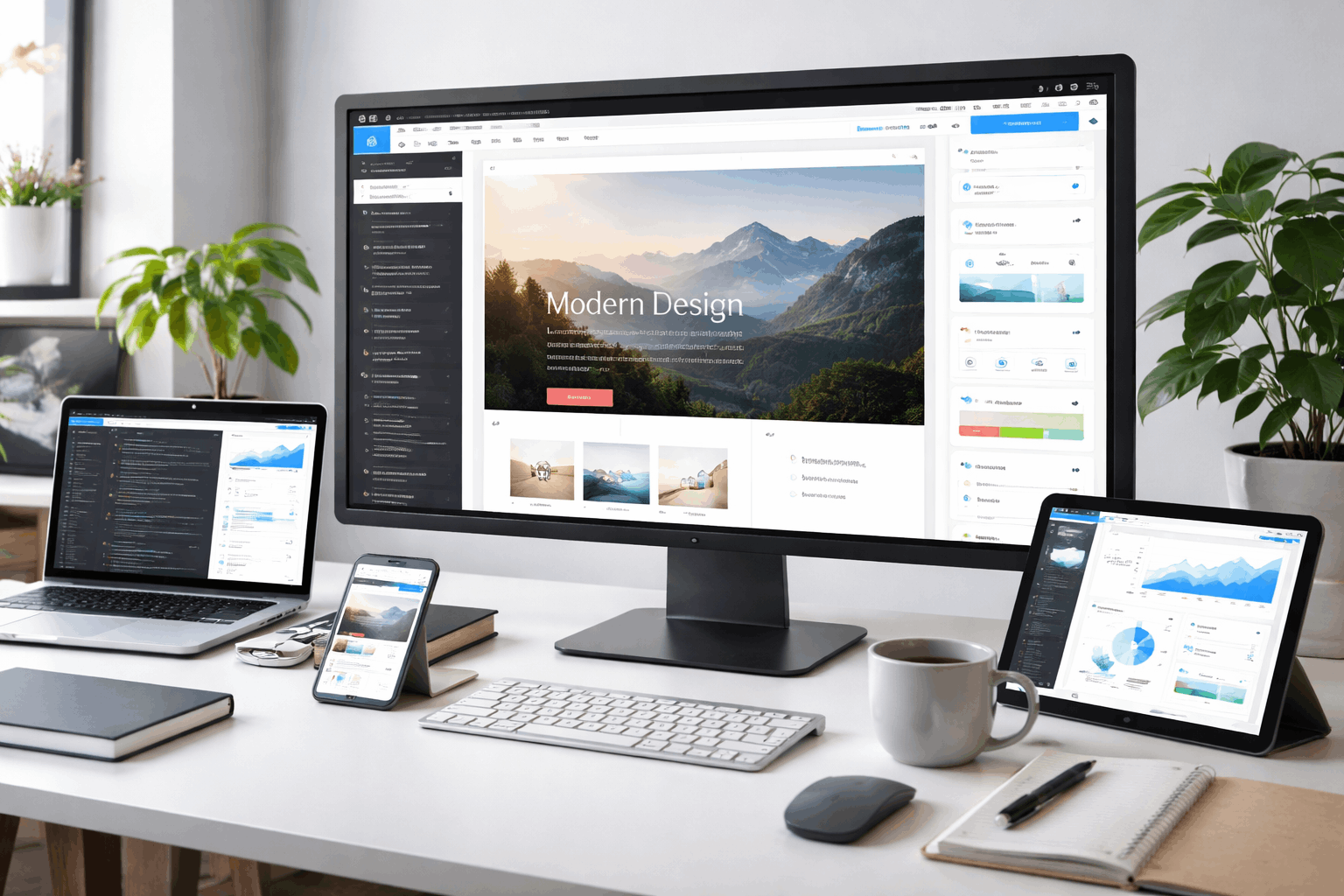
Website builders often act like hubs for no-code features such as forms, scheduling, email capture, and simple automation.
Integrations connect your site to tools for analytics, payments, CRM, newsletters, and customer support.
Security runs in the background through updates, traffic protection, and safe handling of user input and data.
This matters for long-term maintenance, because a site is a living project with ongoing changes, not a one-time launch.
Integrations via Connectors and Webhooks
Connectors are prebuilt integrations that pass data between your builder and external tools with minimal setup.
Webhooks let events like form submissions trigger workflows in automation platforms, which expands what “no-code” can do.
For online projects, this is often where builders become operational systems instead of just design tools.
Permissions, Backups, and Compliance Basics
Team access is typically managed with roles, page permissions, and publishing controls to prevent accidental changes.
Backups and version history help you roll back edits, which is essential when templates, blogs, and plugins evolve.
Many platforms also provide basic compliance tools like cookie controls and data export features, depending on region and plan.
Conclusion
Website builders work best when you treat them as full platforms rather than simple page editors.
A clear view of the pipeline, hosting, CMS, styling, and integrations helps you choose tools that match your project size.
Templates, blogs, and no-code features become easier to manage when you understand how the platform stores and generates everything.











