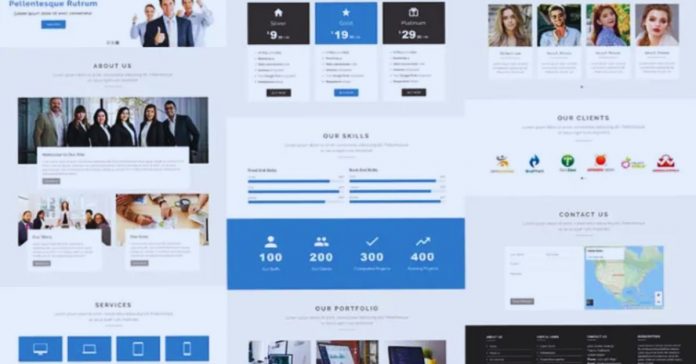
A landing page template gives a campaign a focused structure instead of a blank page. It can help marketers, founders, creators, and service businesses build one page for a signup, offer, webinar, download, or booking request.
The template should not decide the message; it should support the offer and make action clear. This guide explains how website templates for landing pages work and what to review before publishing.
Why Landing Page Templates Are Different
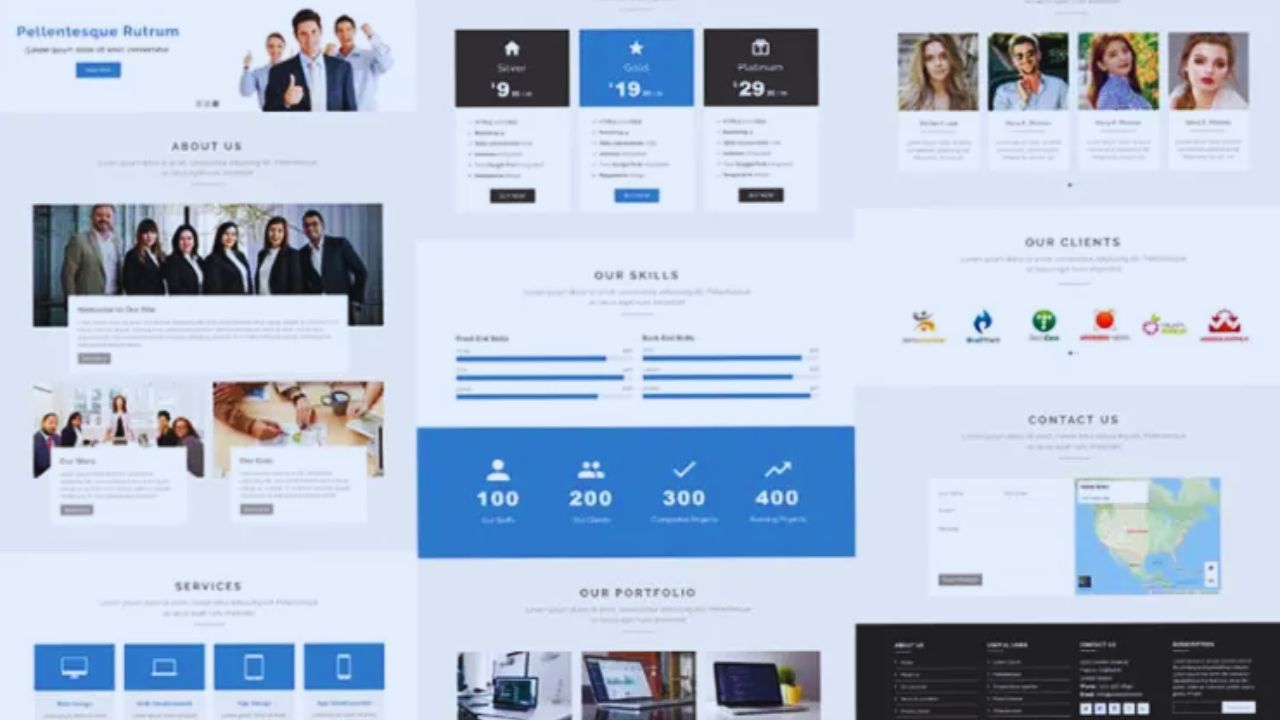
A landing page is not meant to behave like a full website. It removes extra navigation and keeps visitors focused on one action, such as joining a list, registering, buying, or requesting calls. If the page tries to do too much, the conversion path becomes harder to follow.
One Page Should Have One Job
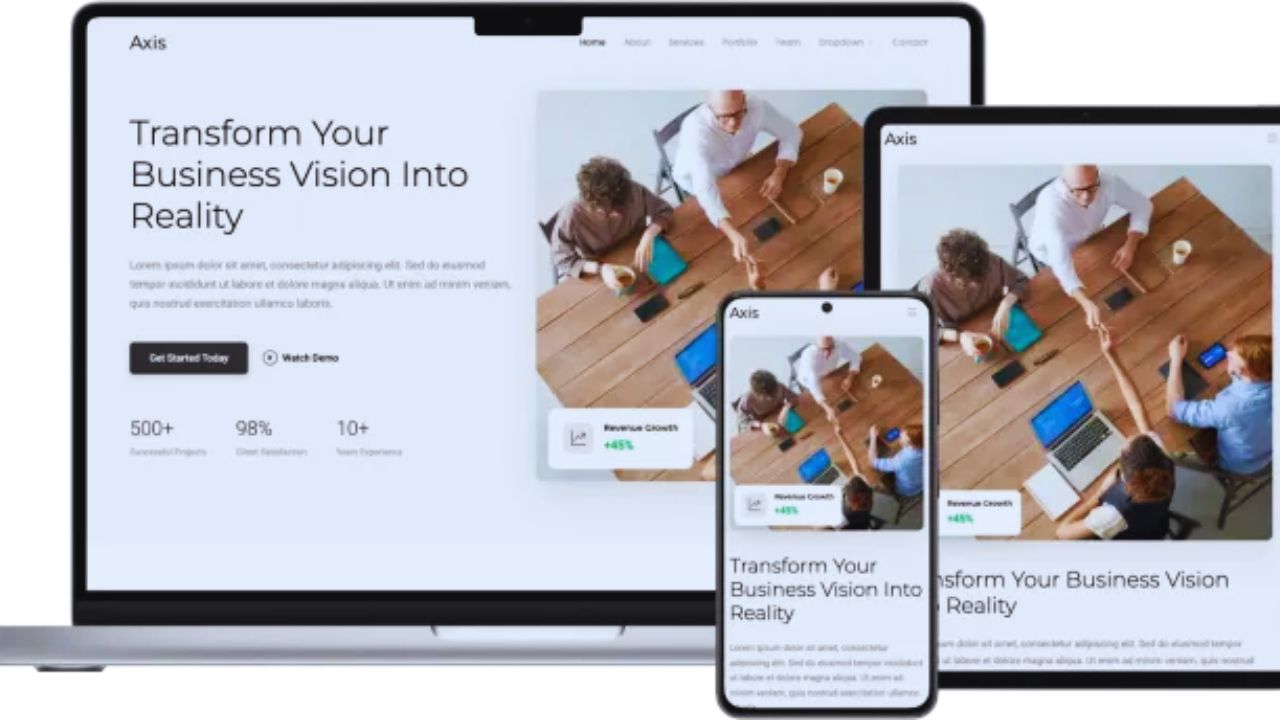
A good template organizes the page around a single conversion path. Leadpages templates often work well for email signups because they include a hero section, benefit blocks, form area, and thank-you page flow.
Unbounce templates are stronger when a marketer wants testing, sticky bars, or pop-up options. Elementor landing page templates suit WordPress users who want visual editing.
When a Template Makes Sense
Templates work best when the offer is clear and the page does not need custom development or advanced checkout rules.
Simple Campaigns Benefit Most
A landing page template can work for a free checklist, ebook download, consultation offer, event signup, waitlist, or product announcement.
A Wix landing page may suit a small business that wants quick editing without plugins. For a course launch, an Elementor kit can provide instructor sections, lesson previews, testimonials, and signup buttons.
For a SaaS waitlist, a Webflow template with feature cards may feel polished.
Match the Template to the Goal
Different campaign goals need different page structures, so the page layout should match the action visitors are expected to take.
Choose Sections That Fit the Action
For a webinar, look for a template with headline, date, speaker bio, agenda, signup form, and reminder area.
For product sales, Shopify landing page templates should show price, photos, shipping notes, reviews, and the add-to-cart button.
For lead generation, Leadpages or Unbounce layouts with short forms and benefit blocks can keep attention focused. The best landing page design supports that decision.
Test the Demo Before Building
A demo can look attractive while hiding weak mobile behavior, slow loading, or form placement.
Check the page like a visitor, not like the owner. That means testing forms, buttons, and mobile spacing before committing.
Check the Sections That Matter
Open the template on desktop and mobile, then test headline area, form, CTA buttons, testimonial blocks, image sizes, and thank-you page options.
With Unbounce templates, check whether A/B testing features are useful or unnecessary for your campaign.
With Wix, see whether editing one section damages the mobile layout. With Elementor, test whether the page loads well after adding images, fonts, and tracking scripts.
Use this short check before choosing:
- Clear CTA
- Mobile form
- Fast loading
- Easy tracking
Forms and CTAs Need Care
The form and call-to-action decide whether the template is practical. A page can look polished, but if the button is vague or the form asks too much, visitors may stop.
This is where many templates need editing, not just branding. The next step should be obvious without scrolling forever.
Keep the Next Step Clear
A Leadpages signup template should keep the form short if the offer is simple, such as a free PDF or early-access list.
An Unbounce demo-request page may need buttons like “Book a Demo” or “Request Pricing” instead of a generic label.
A Shopify product landing page should keep price, photos, stock note, and add-to-cart button close together. These small details affect clarity more than decorative sections.
Also Read: How to Keep Templates Updated
Speed Should Be Reviewed Early
Landing pages often receive traffic from ads, email, or social posts, so slow loading can waste paid clicks and user attention.
Heavy templates may look premium but create problems on mobile data. Speed matters most when visitors are deciding quickly. A slower page can weaken paid campaigns before the offer is read.
Avoid Visual Weight That Slows the Page
Be careful with video backgrounds, oversized hero images, multiple sliders, and animation-heavy sections.
A Webflow landing page can look polished, but interactions and large visuals still need careful compression.
Elementor pages can become heavy when too many widgets, fonts, or plugins are added. A lighter page often works better because visitors may decide within seconds.
Customization Should Support Testing
A landing page rarely stays unchanged after launch, so quick editing matters after traffic starts arriving.
Editing Should Be Easy to Repeat
Unbounce is useful for marketers who want built-in testing and quick campaign variants. Elementor templates suit WordPress teams that want to edit pages without leaving their site.
Wix can feel easier for beginners, while Webflow gives designers more control over spacing and interactions. Before choosing, check whether you can change buttons, forms, mobile spacing, and section order without breaking the design.
Proof Sections Should Be Real
Many templates include testimonials, logo rows, counters, star ratings, and trust badges. These sections only help when they reflect real evidence.
Fake-looking proof can damage trust faster than no proof at all. Replace demo content with verified details that match the offer.
Replace Placeholder Trust Signals
Do not keep fake quotes, sample logos, or inflated counters from the demo. If you use a SaaS template, add real customer names, screenshots, or product details only when they are accurate and approved.
For a course page, use genuine learner feedback, a short instructor background, or a realistic lesson preview. Trust sections should make the page more credible, not louder.
Tracking and SEO Still Matter
Even ad-focused pages need basic tracking so you know what visitors clicked and whether the form worked.
Set Up Measurement Before Traffic Arrives
A good template should allow page titles, tracking codes, clean headings, and loading checks. For paid traffic, Unbounce and Leadpages can make conversion tracking easier.
For longer resource pages, Elementor or Webflow layouts should support readable content without clutter.
Before publishing, connect analytics tools, test the form, and confirm the thank-you page works.
Conclusion: Choose for the Campaign, Not the Demo
A landing page template should help you publish faster without weakening the message. Start with the campaign goal, then choose a layout from Elementor, Leadpages, Unbounce, Wix, Webflow, or Shopify that supports that goal clearly.
Before publishing, test the form, CTA, mobile layout, speed, proof sections, tracking, and license details. The best page is one your team can edit and test without unnecessary friction.