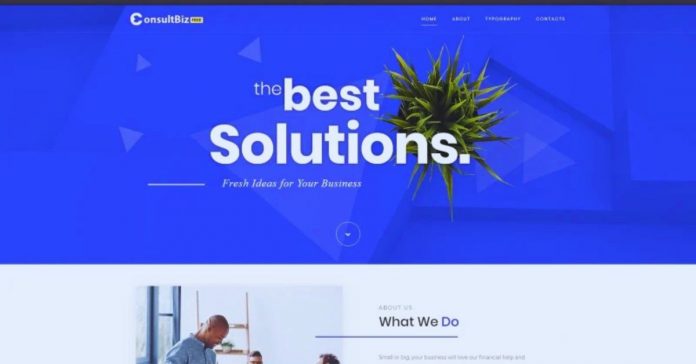
A business website template gives owners a ready-made structure without starting from a blank screen.
It can help service providers, shops, consultants, and small teams build a professional site faster. The key is choosing a template that fits the business model, not just one that looks polished in a preview.
This guide explains how website templates for business work, which examples are worth recognizing, and what to check before building around one.

Why Templates Can Work for Small Businesses
A template can shorten setup because common pages and sections are already arranged. Instead of planning every layout from scratch, the owner can focus on content, photos, offers, and contact details.
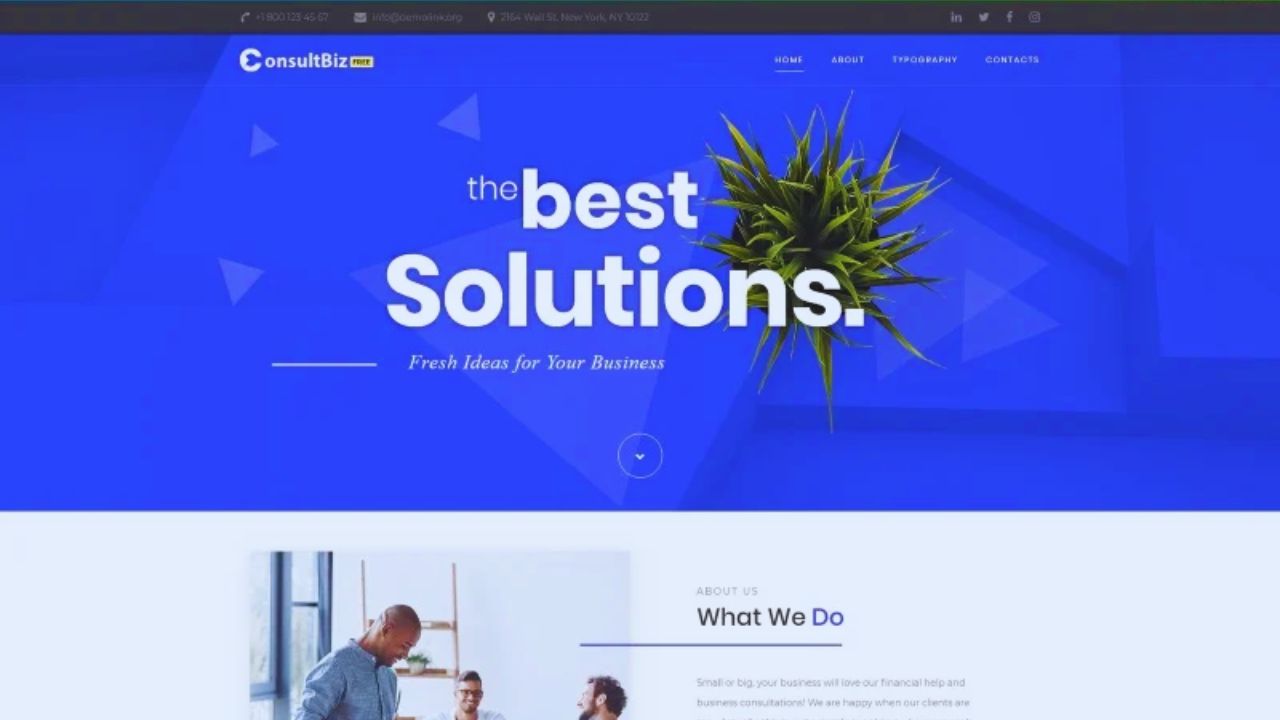
Faster Setup With Real Limits
A good template often includes a homepage, service section, about page, contact form, testimonial area, and call-to-action blocks.
Wix Business Templates can work for owners who want drag-and-drop editing without handling code.
Astra Starter Templates and Kadence Starter Templates are common WordPress options for service businesses, coaches, clinics, and local companies. These can save time, but they still need real branding before publishing.
When a Template Is Enough
Templates are most useful when the website needs clear information, simple navigation, and a direct way for visitors to contact, book, or buy. They are less suitable for custom dashboards, complex booking rules, or unusual workflows.
Simple Sites Benefit Most
A template may be enough for a solo consultant, bookkeeper, cleaning company, salon, barber, or local repair service.
A Kadence Starter Template can provide ready-made sections for services, testimonials, pricing, and contact details.
GeneratePress Site Library may suit a lightweight business site where speed matters more than heavy visuals. The template works best when the owner only needs basic pages and clear editing control.
Choosing by Template Type
A business template should match how customers move through the site. Some templates are built for leads, others for bookings, portfolios, online sales, or long-form content.
Match Layouts to the Business Goal
A lead-generation template should have quote forms, trust badges, service sections, and clear contact buttons.
An Elementor Template Kit for agencies or consultants may include case study sections, pricing blocks, and inquiry forms.
For online stores, Shopify Dawn is a common free option with product pages, cart flow, and checkout structure. A portfolio-heavy business may fit Divi Layout Packs or Webflow templates better if project pages matter.
What to Check Before Choosing
A polished demo can hide weak structure, slow loading, or editing limits. Before committing, test the template like a customer trying to call, book, browse, or buy.
Test the Pages That Matter
Open the demo on mobile and desktop, then test the pages your business will rely on. With Shopify Dawn, check product grids, product detail pages, cart buttons, and checkout flow.
With Wix, test whether contact forms, maps, service sections, and booking buttons stay clear on mobile. With Astra or Kadence, check whether menus, blog layouts, and service pages are easy to edit without breaking the design.
Use this short review before choosing:
- Mobile layout
- Contact options
- Page speed
- Editing controls
Customization Should Feel Manageable
A template only saves time if regular edits are simple after launch. Business websites often need updates to prices, services, team members, menus, products, schedules, and promotions.
Editing Should Not Require Code Every Time
Wix and Squarespace templates may suit owners who want visual editing and fewer technical steps.
WordPress options like Astra, Kadence, and Elementor Template Kits offer more flexibility but may require more care with plugins and updates.
Webflow templates can look polished, but they may feel less simple for quick text and image changes. Before choosing, test whether you can change fonts, colors, buttons, and sections without a developer.
Also Read: Boost Conversions with the Best Website Templates for Landing Pages – Top Platforms & Tips
Branding Needs More Than a Logo
Many business sites still look like templates because too much demo content remains. A professional result depends on replacing generic sections with real details.
Replace Demo Content Carefully
Remove stock headlines, fake testimonials, placeholder staff photos, and broad service descriptions.
If you use a Divi Layout Pack for a law firm, replace sample practice areas with real service pages, attorney details, consultation notes, and location information.
If you use an Astra restaurant starter site, update the menu, reservation process, food photos, hours, and pickup details. Real details make the site feel more trustworthy than a polished layout with vague copy.
Free and Paid Templates Need Different Expectations
Free templates can work when testing an idea or building a simple first version. Paid templates may offer more layouts, support, and niche features, but they still need careful review.
Know What Comes Included
Shopify Dawn is a strong free e-commerce theme, but a store owner may later need paid themes with more merchandising sections.
Astra and Kadence offer free starter options, while premium versions may add more design controls.
ThemeForest templates such as Avada, Porto, and BeTheme include many demos, but some rely on extra plugins or heavy features. Always check license terms, update access, support, and whether demo features require extra purchases.
SEO and Speed Should Not Be Assumed
Some templates advertise SEO-friendly design, but that does not guarantee strong performance. The finished site still depends on content quality, mobile usability, speed, and clean structure.
Clean Templates Make Optimization Easier
GeneratePress is often chosen for lightweight builds because it focuses on speed and simplicity. Astra and Kadence can also work well when the owner avoids unnecessary plugins and oversized images.
A multipurpose ThemeForest template with many animations, sliders, and demo features may need cleanup before launch. A good business template should support clear headings, fast loading, readable text, and useful pages.
Common Mistakes That Make Templates Look Cheap
A template can look professional in the demo and still feel weak after customization. Most problems happen when owners rush setup or keep features that do not serve visitors.
Remove What Does Not Help
Avoid keeping unused sliders, empty blog sections, fake counters, generic icons, and social links that go nowhere.
A Wix template with five homepage sections may work better after removing two sections that do not fit the business.
An Elementor kit may look cleaner if unnecessary animation blocks are removed. A Shopify store using Dawn should avoid oversized product photos that slow mobile browsing and create performance issues.
Support and Licensing Matter After Launch
Template support matters when something breaks, updates change the layout, or the owner needs help adjusting a section. Licensing also affects how the template can be used.
Check Terms Before Building Too Much
Review whether the template can be used commercially, whether updates are included, and whether support is active.
A single business owner using Squarespace or Wix has different needs from an agency using Elementor, Divi, or ThemeForest templates for clients.
A WordPress template may also depend on plugins with separate renewals. These support details are easy to ignore early, but they can affect maintenance later.
Conclusion: Choose a Template You Can Run
A business website template should help you launch faster without creating extra work later.
Before publishing, test key pages, replace demo content, check speed, and review licensing. The best choice is one your team can edit, maintain, and shape around real business needs.