

Choosing a template for a long-term project requires a different mindset than selecting one for a short campaign.
Your decision affects how well your site performs, evolves, and remains functional over time.
In this article, you’ll learn which features make a template sustainable. You’ll also see which platforms and template types give you more control, flexibility, and security for the long run.

Understanding Long-Term Website Projects
Long-term projects are websites that stay online for years with regular updates. These include business sites, content platforms, portfolios, stores, and apps.
They demand scalability, reliability, and tools for growth. Choosing a template isn’t about trends—it’s about long-term stability.
Why Your Template Choice Matters Over Time?
Templates shape the future of your website’s performance and maintenance. The wrong one leads to expensive redesigns or limitations down the line.
A long-term template supports ongoing needs like plugin compatibility, SEO, and security. Investing in the right layout now saves time and cost later.
Key Features to Look for in Long-Term Templates
Long-term templates must offer functionality that doesn’t fade as trends shift. They need technical strength, not just visual appeal.
Look for the following features when picking a sustainable design:
- Responsive Design: Your template should display correctly across devices and screen sizes without needing constant adjustments.
- Modular Layouts: Sections and blocks should be rearrangeable without breaking the design or needing custom code every time.
- Clean, Maintainable Code: This allows developers to troubleshoot, optimize, or extend functionality later without complications.
- Integration Support: Your site may need marketing tools, analytics, or eCommerce systems. Choose templates that support these add-ons.
- Multi-Page Ready: Ensure the template handles many types of pages, like blogs, contact forms, and service descriptions.
Each feature helps your website stay useful, even as your goals evolve.
Templates Built for Business Durability
Not all templates are meant for long-term operation. Business-focused templates are better suited to meet lasting goals.
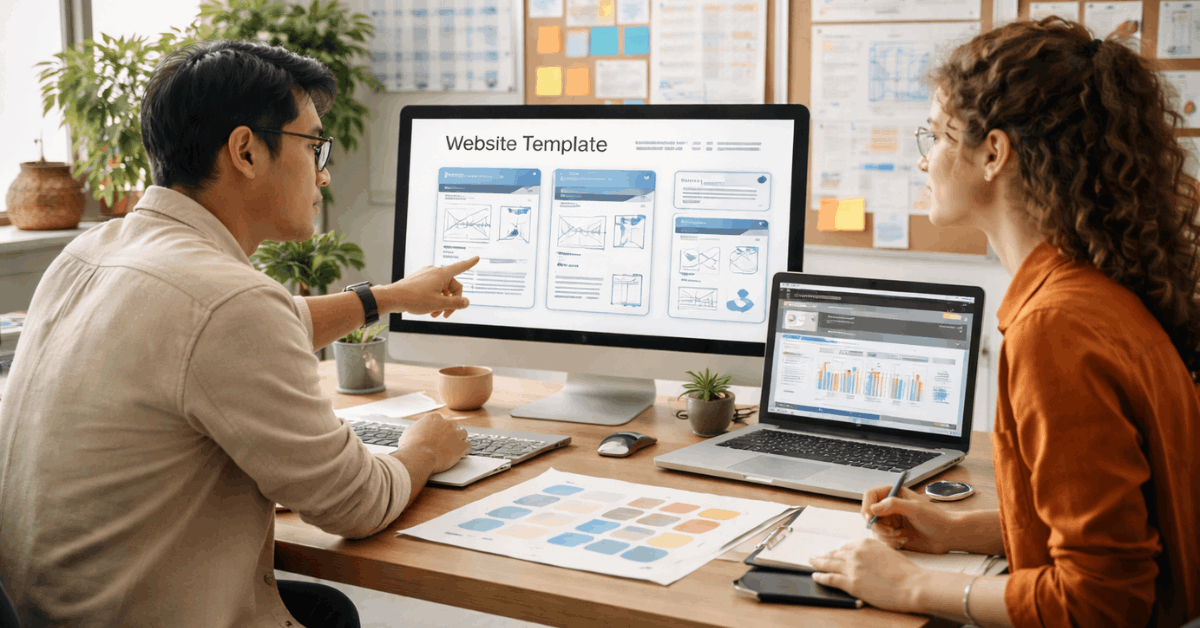
These are some of the most useful types for long-term use:
- Corporate Templates: These support branding, service menus, testimonials, and client sections. They’re common in WordPress, Webflow, and Wix.
- CMS-Ready Layouts: Templates built for WordPress, Joomla, or Ghost are designed to support frequent content updates and long-form organization.
- eCommerce Templates: Designed to grow with your catalog, these templates support filters, product pages, and secure payment integrations.
- Portfolio Templates: These are great for freelancers, creatives, and agencies that update work regularly or publish blogs and case studies.
- SaaS and Web App Templates: These include login systems, dashboard layouts, and feature onboarding sections essential for ongoing services.
Choose the type that aligns with your content and expected site lifespan.
Recommended Platforms for Scalable Templates
Long-term templates must be supported by platforms that don’t restrict your future growth. Some builders offer more control, versioning, and optimization tools.
Here are some platforms built to support sustainable projects:
- Webflow: It offers reusable components, clean code export, and CMS integration for blogs or product pages.
- WordPress with Elementor/Divi: You get open-source flexibility, plugin support, and scalable layout systems with drag-and-drop builders.
- Squarespace: Best for design-heavy content websites with built-in CMS, responsive elements, and SEO optimization.
- Wix Studio: Includes more developer control than classic Wix with dynamic data pages and design freedom.
- Framer: Useful for startups that want visual front-end control and quick edits to designs without engineers.
The right platform makes your template useful beyond the first launch.
Manage Your Template for Long-Term Efficiency
Using a template isn’t a set-it-and-forget-it decision. You need to actively manage it to maintain structure and functionality.
Plan your content roadmap before you start. This helps prevent breaking layouts later. Use versioning tools, keep backups, and document changes.
Save your style and layout rules in case you need to update or collaborate later. Don’t rely on memory—record decisions about colors, spacing, or font hierarchy. A template that’s actively managed can last for years without needing a full overhaul.
Knowing When to Upgrade or Switch Templates
Some templates outgrow their usefulness, especially when your site scales. Watch for signs your layout no longer fits your goals.
If the page load time increases, your plugin setup breaks, or you can’t add new sections easily, it’s time to move. Migration requires preparation—back up all data and test your new template in a staging environment.
Don’t keep using a broken structure just to avoid change. Consider rebranding if your content, team, or design direction shifts drastically..
Prioritize Security and Regular Updates
Security is often overlooked when choosing a template. Long-term use increases risk, especially with outdated components.
Make sure the template is compatible with your platform’s latest updates. For CMS templates, updates should include security patches. Avoid third-party themes with no documentation or inactive development.
Check online if a template is still supported before you download or buy it. Regular updates protect your site from vulnerabilities and compliance issues.
Optimize for Speed and Performance
Speed affects user experience, SEO, and conversions. Templates with poor performance waste time and hurt growth.
Use templates that support optimization techniques like image compression, caching, and minimal external scripts. Avoid bloated templates with too many animations, preloaders, or outdated code libraries.
Monitor load speed regularly with tools like Google PageSpeed Insights or GTmetrix. Optimize for both desktop and mobile experiences. Consistent performance ensures long-term value.
Flexibility vs. Fixed Layouts
Rigid templates often look great but leave no room for growth. That becomes a problem when your site needs to evolve.
Custom CSS slots, editable blocks, and dynamic layouts allow you to adapt content easily. Avoid templates that limit you to one column type or fixed navigation.
Look for documentation that explains how to change components. Templates should serve your project goals—not restrict them. Choose a layout that grows with your site.
Accessibility and Legal Compliance
A long-term website must work for all users. Accessibility isn’t just ethical—it’s often required by law.
Templates should support alt text, keyboard navigation, readable font sizes, and contrast ratios. Make sure form fields are labeled and navigation is logical.
WCAG compliance protects you from legal risks and makes your site usable for more people. Test with tools like WAVE or Lighthouse. Accessible design is smart, not optional.
Community and Documentation Support
Support matters when templates break or need updates. Always choose templates with active communities or available help.
Templates with strong documentation make editing easier. Search for templates with GitHub repos, FAQs, or forums. Paid templates often include direct support or regular updates.
For open-source layouts, check the issue tracker or contributor list. Long-term support extends the life of your design.
Budgeting for Long-Term Template Ownership
Templates are not a one-time purchase when used long-term. Consider future costs when making your choice.
Some platforms charge annual fees for features, support, or updates. Others limit template usage by license or project type. Factor in designer fees or plugin costs if your layout requires extra work.
Free templates may be limited or unsupported over time. Paying more upfront often results in fewer issues later. Choose based on value, not just price.
Choose Templates That Grow With You
Website Templates for Long-Term Projects help you build a strong and reliable site from the start.
Choosing the right one avoids problems later. Focus on flexibility and lasting value. It makes updates simple and stress-free.











