A template can look finished quickly, but its real test comes later, when content grows, staff need access, or customers browse on phones.
This guide helps owners and small teams choose a durable foundation rather than a one-time launch, then avoid hard-to-maintain layouts.
Think Beyond the First Version
A long-term site must absorb new content without looking patched together. Future growth and routine editing matter beyond the homepage.
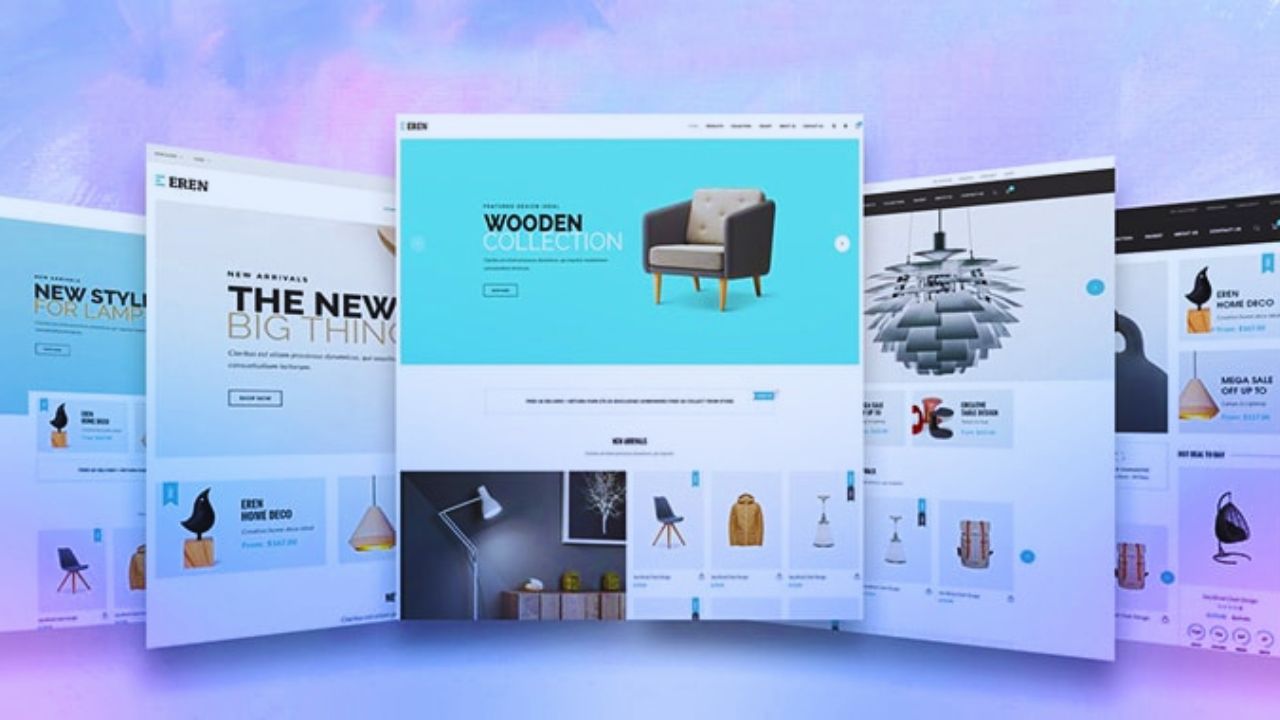
Picture the Next Two Years of Content
Imagine the site after new services, team profiles, case studies, products, policies, or location pages appear. A template built around short copy may struggle when a consulting firm needs ten service pages with different proof.
Look for repeatable patterns and room for expansion, not a hero section that only works with sample copy.
Avoid Planning for Every Possible Future
Planning ahead does not mean buying a dashboard template for features you may never offer.
A florist with one shop may need seasonal collections and delivery details, not a member portal. Start with the current journey and the next likely need. Extra modules can slow pages, raise costs, and complicate routine updates.
Look Past the Demo’s Best Angles
Template demos use short text, perfect images, and carefully selected products. Real content and uncomfortable edge cases show whether a layout will hold up.
Test the Template With Awkward Content
Before installing anything, add a long service name, a narrow product image, a four-line review, and a phone-sized screen.
Check that buttons fit, cards align, and useful details are not buried. This exposes weak spacing rules and rigid content blocks before launch. It matters for shops with variations and detailed service pricing.
Inspect the Parts You Will Change Often
Headers, footers, contact details, article cards, and call-to-action sections should be editable without rebuilding each page.
Webflow’s components overview describes reusable components that can keep recurring elements consistent.
That makes shared patterns and editing discipline more valuable than decorative sections used only once. A practical template helps several editors publish without creating ten versions of the same button.
Let the Platform Carry the Right Work
The design matters, but the platform decides how pages, products, updates, and permissions behave. Platform limits and editor confidence often matter more than the opening design.
Use a CMS When Content Will Multiply
A business publishing articles, recipes, team entries, locations, or case studies needs structured fields and reusable templates.
Webflow CMS or WordPress can support that work, while a simple builder may suit a smaller brochure site.
Consider who enters content and how often it changes. Nobody should need to duplicate a page or call a designer simply to add an author, category, or updated price.
Test Store Details, Not Just Product Cards
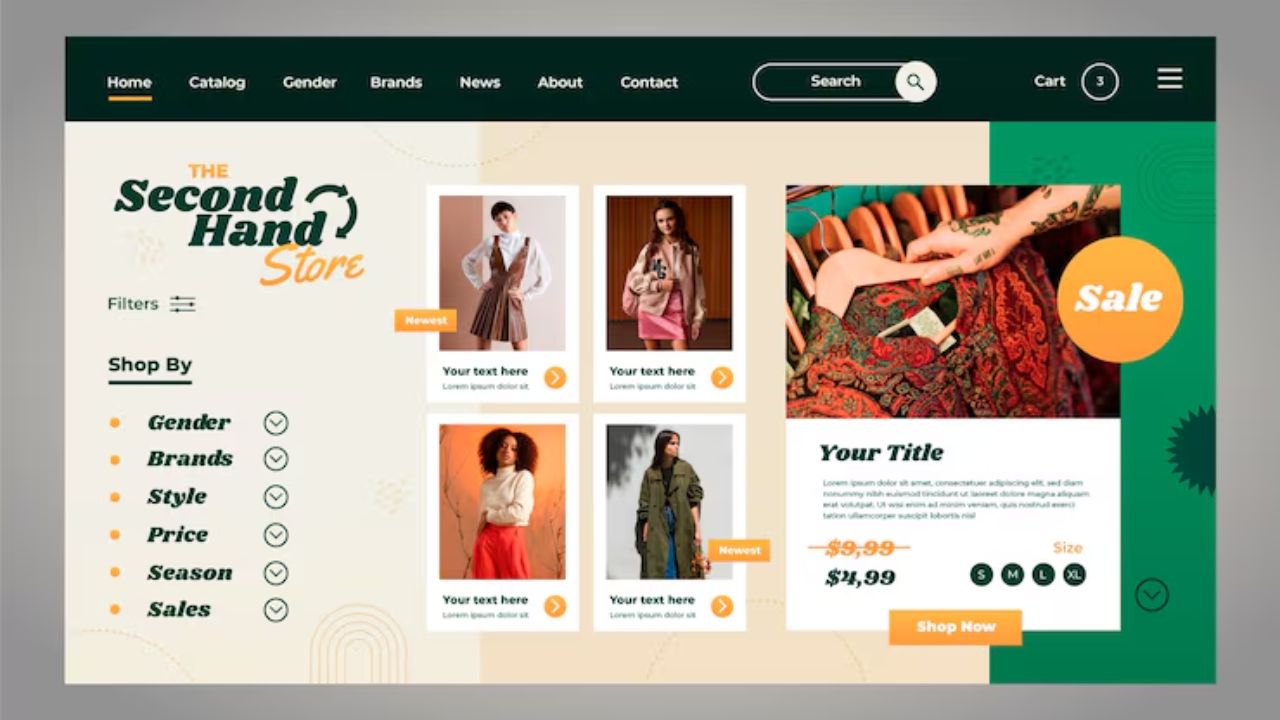
A shop template should support how people compare, select, pay for, and receive an item. Check variants, stock notices, filters, shipping information, return terms, and the checkout path.
Those are buying decisions and trust signals, not optional finishing touches. A clothing shop may need size guidance, while a tea seller may need subscription terms and delivery cut-offs before customers can buy confidently.
Also Read: How Templates Affect Website Maintenance
Choose Support That Will Still Be There
A template depends on software updates, browser changes, connected apps, and the people who maintain it. Active support and a clear update path are part of ownership.
Check the Developer Before Paying
Review update history, documentation, support terms, and recent feedback. An abandoned theme can look current while creating compatibility or security problems.
WordPress advises keeping core software, plugins, and themes current because updates often contain fixes and security improvements.
This makes active maintenance and reliable documentation worth more than a low initial price. Save license details and source files where a future editor can find them.
Keep Add-Ons From Taking Over the Site
A countdown bar, chat tool, review carousel, cookie notice, social feed, and tracking script can each add code and possible conflicts.
Use fewer well-supported tools and a written reason for every addition. When a feature no longer helps a customer or employee complete a task, remove it. A lean site is easier to test after updates and less likely to fail quietly.
Give Editors Clear Boundaries
A sustainable template lets people improve pages without gradually damaging the design. Simple guardrails and shared decisions are more useful than unlimited colour and animation choices.
Set a Small Design System Early
Choose logo files, colours, type sizes, button styles, image ratios, and spacing rules while the site is small. Keep examples of a good service page, product description, and article opening.
This creates consistent publishing and faster decisions for staff or clients. It makes redesign easier because the team knows which patterns are deliberate.
Test Important Changes Before They Go Live
Forms, navigation, checkout, and tracking should be checked before a major edit replaces a working page.
Record what changed, who made it, and why; keep a backup or staging version where the platform allows it. Use this maintenance check and handover habit whenever more than one person edits:
- Test: Check mobile links and forms.
- Record: Note changed sections and tools.
- Review: Remove stale offers monthly.
Know When to Replace a Template
A template should change when it blocks useful work, not because a newer design looks fashionable. Visitor problems and repeated workarounds are better evidence than boredom.
Watch for Structural Warning Signs
Consider a redesign when editors repeatedly duplicate pages, hide broken blocks, add custom fixes, or cannot publish information customers need. Mobile menus that frustrate users, failing filters, and inaccessible forms are also strong signals.
These are operational costs and real usability problems. Collect examples before starting a redesign so the next brief solves specific weaknesses instead of chasing a new visual trend.
Protect Content Before You Move
Before switching templates or platforms, export article text, product data, media, and records you are permitted to retain. Map redirects for valuable URLs so visitors and search engines do not meet dead pages.
This protects hard-earned visibility and business continuity during a move. Migration becomes calmer when file names, page ownership, and image folders were organised before the site reached a breaking point.
Conclusion: Choose for the Work That Repeats
Test a long-term template with real content, real visitor tasks, and the monthly updates an owner must make.
Prioritise flexible layouts, active support, accessible mobile behaviour, and editing patterns that do not demand a designer for ordinary changes.
Keep version one focused, then add functions only when customers or staff repeatedly need them. That gives the site room to grow without turning every update into a costly rebuild.