
Website builders let you create websites without knowing how to code. The challenge is avoiding setup mistakes that cost you time and traffic.
This guide teaches you how to choose between popular website builders and how to avoid common issues in Wix, WordPress, and Shopify. Use these tips to build with clarity and prevent frustrating errors.
Skipping Site Structure Planning
Many users jump into editing without a basic layout. That causes confusion and wastes time later.
One of the most common mistakes is skipping a site map or basic structure before building. If you don’t know what pages your site needs, you’ll likely forget important ones. This leads to weak menus and poor navigation flow.
Visitors may leave if they can’t find what they want. Sketch your homepage and key subpages before opening any builder. Even a basic layout helps you stay focused and avoid guesswork.
Choosing Templates That Don’t Fit Your Content
You need a layout that works for your content—not just one that looks nice. This mistake happens often in visual builders.
Many users choose a template based on style alone. But what looks good might not fit the type of content you plan to use. For example, a grid layout isn’t ideal for service-based businesses.
A blog layout won’t suit an online store with 50 products. Always match the design structure to your content needs, not just your branding.
Mobile View is Broken or Ignored
You can’t skip mobile previews. Most website traffic today comes from phones. Wix, Shopify, and modern WordPress themes have mobile previews for a reason.
Ignoring these leads to broken spacing, oversized fonts, and hard-to-click buttons. Drag-and-drop elements can behave differently on smaller screens.
Always check mobile layout before publishing. Tweak font sizes, spacing, and button placement to keep it usable.
Overusing Apps and Plugins
Extra features seem useful, but too many can break things. This applies especially to Shopify and WordPress.
Plugins or apps that seem helpful may clash with others or slow your site. Too many of them can also confuse users with pop-ups and unnecessary widgets.

Check if your builder already offers the feature you’re adding. Stick to trusted plugins with good support. Review everything you install and remove tools you don’t really use.
Harming SEO From the Start
Search engines can’t understand your site if you don’t follow the basics. SEO is often skipped during the design phase.
Skipping SEO setup is a mistake that hurts visibility. Many users leave default titles, forget to write meta descriptions, or upload images without alt text.
These are easy fixes inside Wix and Shopify, and with SEO plugins in WordPress. Use clean URLs, add keywords to headings, and optimize images for speed. Even a basic SEO setup boosts your results early on.
Using Placeholder Text Too Long
It’s easy to forget to replace filler content. That mistake makes your site look unfinished.
“Lorem Ipsum” text or stock images signal that your site isn’t ready. Visitors won’t trust a site that looks half-built. Builders like Wix or WordPress have pre-filled blocks that need custom copy.
Always prepare real content before you publish. Use short, clear descriptions and your own photos or brand visuals.
Not Using Backups or Security Settings
Your site needs protection. Without it, you’re at risk of data loss or attacks.
Wix and Shopify manage hosting, but you still need to enable key settings. In WordPress, it’s your job to add backup plugins and SSL certificates.
Some users delay this and lose data after a theme update or plugin error. Backups are your safety net. Always secure your login, use strong passwords, and enable SSL before launch.
Overlooking Analytics and Tracking
You need to know what’s working. Skipping this step leaves you guessing. Adding Google Analytics or built-in tracking is easy in all three builders.
Yet many users skip it and have no idea how visitors use the site. You won’t know if your traffic is growing, or which pages people visit most.
Always add tracking tools on day one. Shopify has built-in reports, and Wix includes analytics in paid plans.
Lack of Basic Web Knowledge
You don’t need to code, but knowing some basics will help. Understanding layout behavior saves time.
When things don’t align or load incorrectly, many users feel stuck. Learning basic terms like padding, margin, image resolution, or responsive layout will help.
Even on drag-and-drop builders, small errors can break sections. Read the builder’s help guides or forums when something looks off. A few tips will help you solve most layout problems.
Mistakes in Builder-Specific Settings
Each builder has their own tools. Knowing how to use them prevents unnecessary work.
Wix: Misusing Sections and Layers
Wix users often stack too many sections or misalign elements. This leads to visual bugs when resizing the page. Use consistent spacing and stay within the grid lines.
WordPress: Choosing Bad Themes or Plugins
In WordPress, not all themes are well-coded. Some cause conflicts or slowdowns. Choose lightweight, updated themes and stick to reliable plugin developers.
Shopify: Leaving Default Product Pages
Shopify provides starter templates, but default product pages often look generic. Customize titles, descriptions, and add trust signals like reviews and badges.
Visual Clutter From Too Many Elements
Some users add too much without thinking about hierarchy. That weakens your message.
It’s easy to overload your homepage with slideshows, popups, videos, and banners. This confuses your visitors. Every page should have a clear goal and minimal distractions.
Highlight only the most important action: contact you, buy something, or sign up. Remove extras that don’t support that goal.
Forgetting to Optimize for Speed
Website speed affects bounce rate and SEO. Builders can slow down if not set up correctly.
Image Sizes Are Too Large
Uploading full-size images from your phone is a mistake. Compress them before uploading or use the platform’s auto-resize tools.
No Caching or Lazy Loading
WordPress users especially benefit from caching plugins. Lazy loading defers images and boosts speed on long pages.
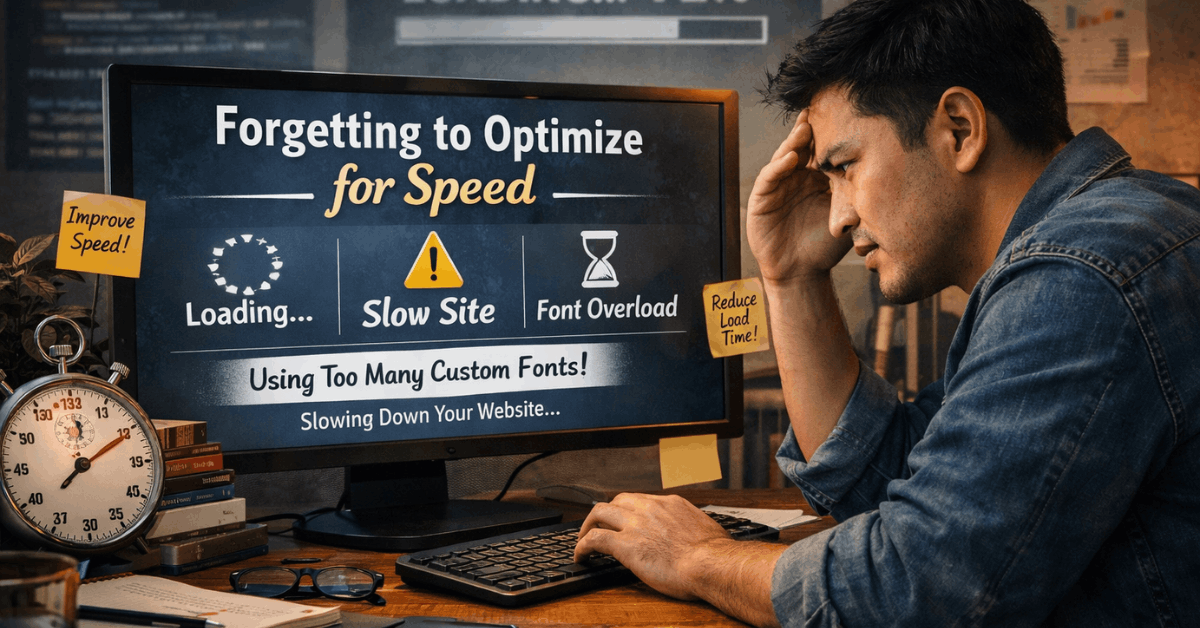
External Fonts and Scripts Add Weight
Don’t overuse custom fonts or scripts. They add extra load time. Stick to system fonts or only one custom font per site.
Smart Choices Help You Avoid These Mistakes
Mistakes in website builders slow you down and limit results. You now know how to avoid design, content, SEO, and security problems across all major tools.
This guide showed you how to choose between popular website builders and use them more effectively. Fixing small issues early gives your site a better foundation for long-term growth.