

Choosing a template is one of the fastest ways to shape how your site feels and how it works.
A good template saves you time, protects you from layout mistakes, and keeps pages consistent as you grow.
A bad template can lock you into messy navigation, slow pages, and frustrating edits later.
Start With Your Goal and Content Plan
Your template should match what the site must do on day one, not what looks trendy today.
Before you browse designs, list your main pages and the actions you want visitors to take.
Think in content blocks like hero sections, feature grids, blog lists, and contact forms.
Pick templates that already support your core structure, so you avoid heavy rebuilding.
Choose a Template That Fits Your Site Type
Blog-first sites need strong post layouts, clean category pages, and readable typography for long text.
Landing-page sites need clear sections, strong calls to action, and simple navigation that reduces distractions.
Portfolio sites need flexible galleries, case study pages, and space for visuals without slowing the experience.
Map Your Pages to the Template’s Built-In Sections
Check if the template includes the sections you will reuse across pages, like testimonials, FAQs, and pricing.
Make sure the builder lets you duplicate sections and keep styles consistent across your site.
Confirm that your most important page types can be created without awkward workarounds or extra apps.

Match Layout and Navigation to Your Visitors
A template is really a navigation system with a visual style layered on top. Choose layouts that make it easy to find key pages in two clicks or less.
Prefer simple menus and clear headings, especially if your site will expand over time.
If a template feels confusing in a demo, it will feel worse once content is added.
Check Header, Menu, and Footer Flexibility
Look for a header that supports your logo, primary links, and a clear button for the main action.
Make sure the mobile menu is easy to tap, with readable spacing and no hidden links.
Confirm the footer can hold practical items like contact info, policies, and social links without clutter.
Make Sure It Supports Clear Visual Hierarchy
Good templates guide the eye using headings, spacing, and contrast instead of relying on flashy effects.
Scan the homepage layout and see if the primary message is obvious within five seconds.
Pick templates where sections feel distinct, because that makes editing and reading easier.
Prioritize Responsive Design and Editing Experience
A template must look good on phones, tablets, and desktops without constant manual fixes.
Your visitors will judge the site quickly on mobile, even if you build it on a laptop.
Responsive design is not just shrinking elements, but reflowing layout in a readable way.
Choose templates that stay clean when real text and real images replace placeholders.
Review Mobile Breakpoints and Spacing
Open the template preview on mobile and check if headings wrap nicely without breaking lines.
Look for comfortable spacing around buttons and forms, because cramped layouts reduce conversions.
Confirm images crop predictably, so faces, products, and key details are not cut off.
Test How Images, Video, and Backgrounds Behave
Templates with heavy background video can slow pages and distract from the content goal.
Check if the builder supports modern image formats, lazy loading, and simple compression controls.
Prefer templates that still look strong with lightweight visuals, because speed helps every site type.
Evaluate SEO, Performance, and Accessibility Defaults
Templates set the baseline for how search engines and assistive tools read your site.
Even if you can customize later, strong defaults reduce technical debt and hidden issues.
A good template uses clean headings, sensible page structure, and fast-loading sections.
Aim for templates that balance design and performance, especially for blogs and resource sites.
Confirm Clean Heading Structure and Metadata Options
Check whether the builder lets you control page titles, meta descriptions, and social share previews.
Look for templates that use headings in a logical order, so pages are easy to scan.
If a template turns everything into styled text blocks, your SEO and accessibility can suffer.
Look for Speed-Friendly Design Choices
Large sliders, stacked animations, and oversized fonts can add weight without adding value.
Choose templates that avoid unnecessary effects and keep layouts simple and component-based.
If the builder shows performance insights, compare templates and favor the faster baseline.
Check Accessibility Basics That Reduce Risk
Make sure text contrast is strong enough to read comfortably against backgrounds.
Confirm buttons and links look like buttons and links, not like decorative shapes.
Prefer templates that support alt text, focus states, and keyboard navigation without extra hacks.
Confirm Integrations and No-Code Workflows
Templates should work with the tools you plan to use for forms, email, and analytics.
If you rely on no-code automations, the template must support consistent data capture.
Pick templates that make it easy to add sections without breaking design rules.
A template that resists integrations can slow your entire website maintenance workflow.
Verify Forms, Email Capture, and CRM Connections
Check whether the template includes a form block that supports validation and spam protection.
Make sure you can connect forms to email platforms, CRMs, or automation tools with minimal friction.
If the builder locks forms behind paid tiers, choose a template that still works with external embeds.
Confirm Analytics, Tracking, and Consent Options
Templates should support adding analytics tags without editing complex code you cannot maintain.
If you serve multiple regions, check whether the platform supports cookie consent tools.
Choose templates where popups and banners do not cover content on mobile screens.
Understand Customization Limits and Long-Term Fit
A template is only helpful if you can evolve it as your project grows.
Look beyond the demo and check what happens when you add pages, categories, and new sections.
If you plan to switch templates later, confirm whether the builder keeps content clean during changes.
Choose the most flexible option that still feels simple to manage week after week.
Check Design System Controls and Reusable Styles
See if the builder offers global controls for fonts, colors, and button styles across the site.
Templates that support reusable components help you update the whole site in minutes.
If you must change styles page by page, maintenance becomes slower and errors multiply.
Consider Platform Lock-In and Export Options
Some builders make it hard to move content, so your template choice becomes a long commitment.
If portability matters, confirm whether pages, posts, and images can be exported in usable formats.
Choose templates that keep content in clean blocks, because that improves future migration outcomes.
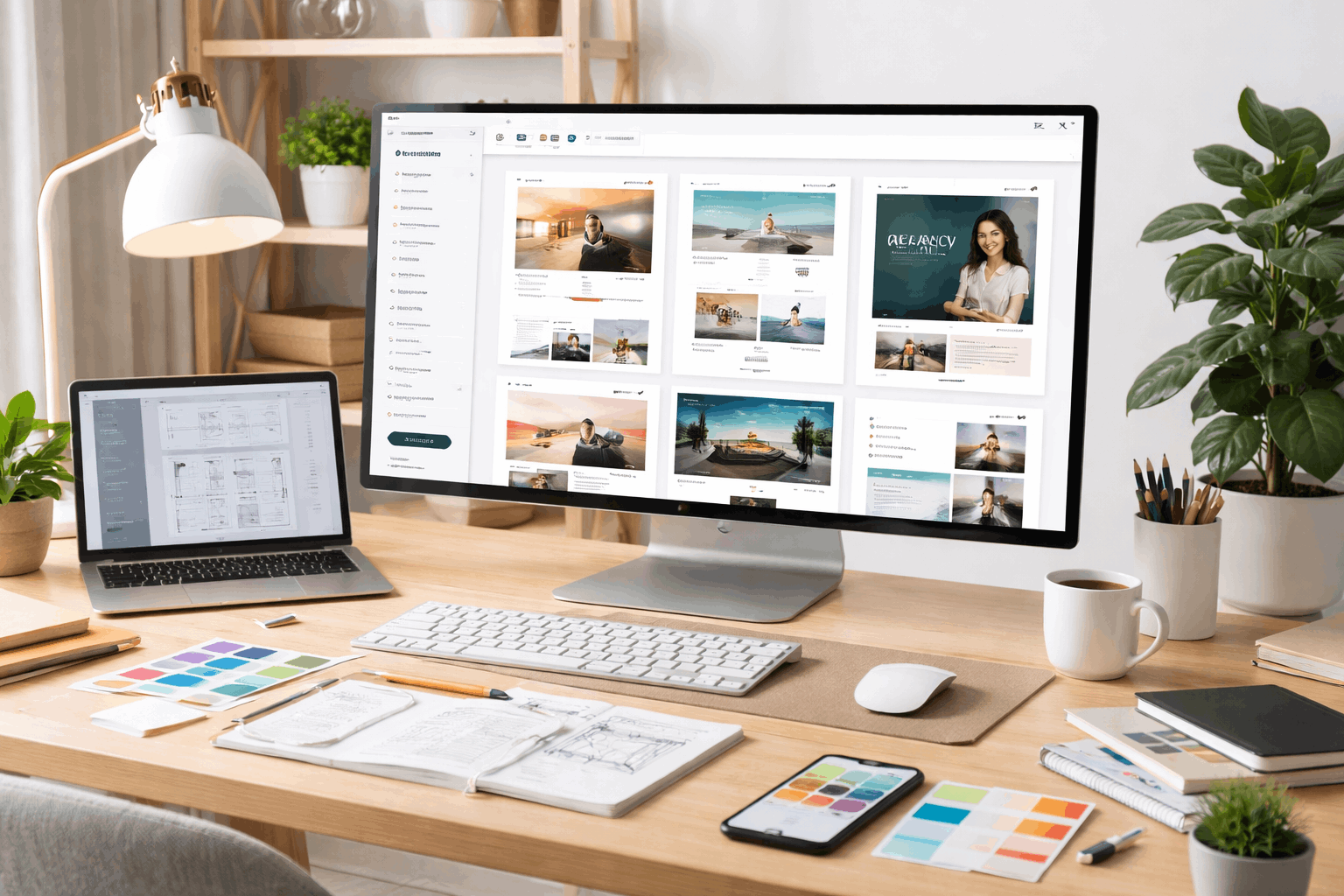
Do a Final Pre-Publish Template Audit
Before you commit, run a realistic test using your actual content and real images.
Check key pages on mobile, confirm navigation clarity, and validate your main conversion path.
Review typography, spacing, and page speed, because those details decide whether visitors stay.
When the template passes these checks, you can build faster with fewer redesigns later.
Conclusion
Choosing the right template in website builders is easier when you start with your goal, your content plan, and the actions you want visitors to take.
A strong template should stay clear on mobile, load quickly, and support clean structure for SEO and accessibility.











