

Picking a website builder feels simple until you realize hosting is baked into the price. And that one detail changes how much control you keep over your site long-term.
Website builder hosting works differently from traditional server setups. The builder owns the infrastructure, runs the updates, and decides what you can and cannot touch on the backend.
That bundled convenience is perfect for some people. For others, it becomes a quiet trap they only notice when they try to leave.
I think the reader who needs this breakdown is the freelancer or small business owner launching a first site and assuming the hosting part is just “handled.”
How Website Builder Hosting Bundles Work
The basic idea behind website builder and hosting bundles is straightforward. The platform gives you an editor, templates, and publishing tools, then stores everything on its own servers. Click “Publish,” and the site goes live on hosting you never had to configure.
This setup removes FTP uploads, server management, and manual SSL certificate renewals from your to-do list. The builder handles caching, compression, image optimization, and CDN routing behind the scenes.

What a Typical Bundled Plan Includes
A standard plan covers the items that would normally require separate purchases or plugins on traditional hosting:
- Managed SSL certificates that auto-renew without user action
- CDN delivery that routes pages through multiple server locations for faster loading
- Automatic backups and security patches pushed to all sites at once
- Storage and bandwidth limits tied to your pricing tier
- Built-in analytics and form handling that work without installing third-party tools
The trade-off is that you lose access to server-level configurations. Custom runtimes, specific database setups, and advanced caching rules sit outside what a bundled builder offers.
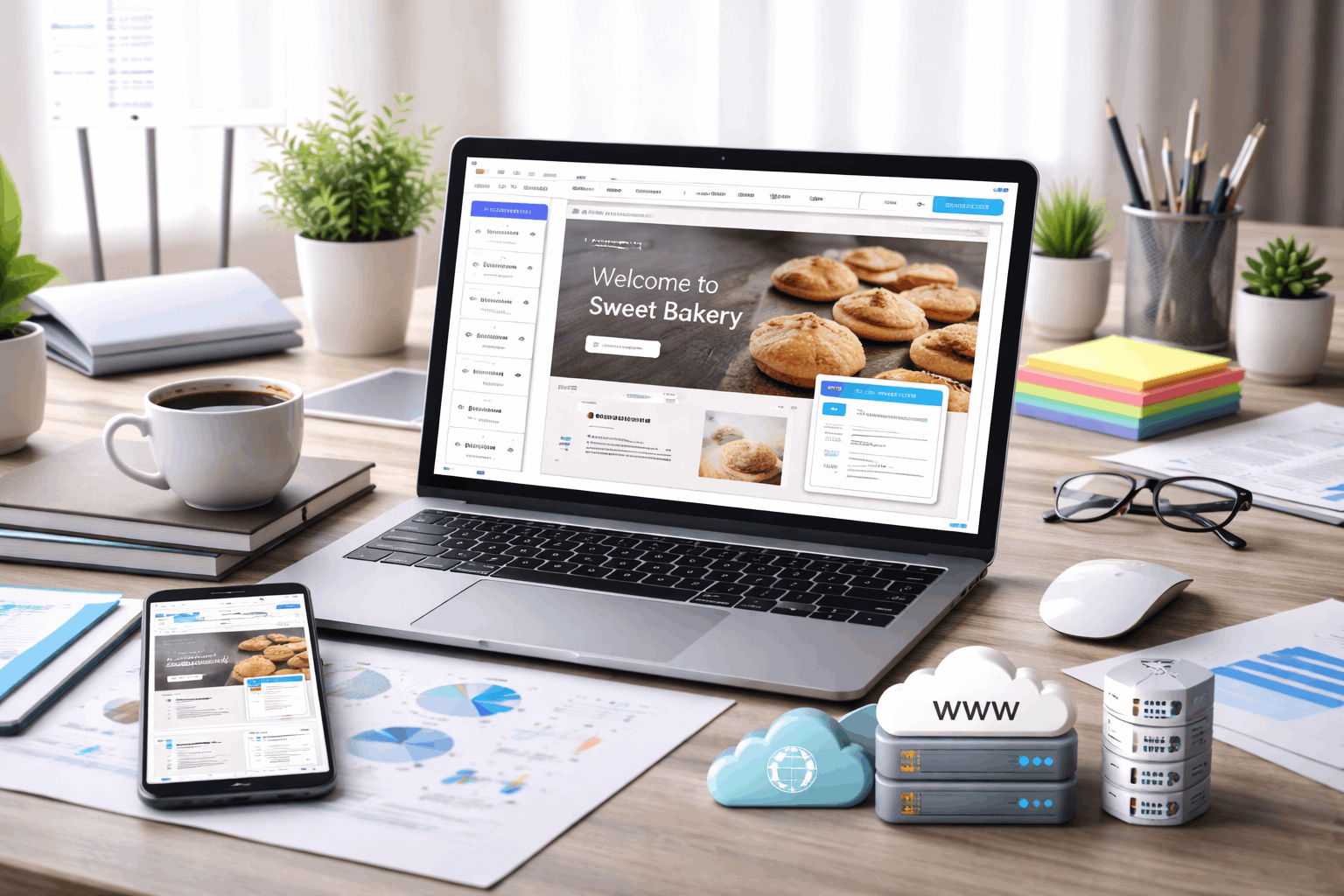
How This Differs from Traditional Web Hosting
Traditional hosting gives you server space first. Then you install WordPress, upload files, or build a custom application inside that space. A website builder reverses the order: software first, hosting attached automatically.
That reversal matters when the project outgrows the builder’s limits. On traditional hosting, switching a CMS or adding a custom backend is a configuration change. On a builder, it often means rebuilding the entire site on a new platform.
Performance Inside Website Builder Hosting
Speed on a builder platform depends on two layers: what the platform handles automatically, and what your design choices add on top. The platform layer is usually solid. The design layer is where things break down.
Automatic Speed Tools That Run Without Setup
Builders compress images, minify CSS and JavaScript, and cache pages without requiring plugins or manual settings. Some platforms add lazy loading, font optimization, and responsive image resizing as toggle options in the editor.
These tools work best when templates stay lightweight. Stacking tracking tags, custom fonts, embedded videos, and third-party chat widgets slows pages regardless of how good the underlying hosting is.
I would pay close attention to Google’s PageSpeed Insights scores after adding each widget or embed. A clean builder template often scores above 90. After five third-party embeds, that score can drop below 60 on mobile.
Traffic Spikes and Scaling Limits
Builder hosting often scales behind the scenes by spreading traffic across multiple servers. A campaign that goes viral or a product launch that spikes visits can be absorbed without manual server adjustments.
But plan limits still exist. Higher pricing tiers may be required for large online stores, media-heavy portfolios, or sites receiving sustained high traffic. Check your plan’s bandwidth cap before running paid ad campaigns that could push visits past that ceiling.
Website Builder Hosting Security and Updates
Centralized security is one of the strongest arguments for bundled hosting. One platform update patches vulnerabilities across every site on the system. Individual site owners do not need to schedule maintenance windows or install security plugins.
SSL, Patches, and Account Protection
Builder platforms enable HTTPS automatically. SSL certificates renew without user action. Server patches and builder software updates roll out centrally, which closes known vulnerabilities faster than individual site owners updating WordPress plugins one by one.
Account-level security matters just as much as server protection. Two-factor authentication and role-based access controls prevent unauthorized changes. A weak admin password can undo every server-side security measure the platform runs.
The Part About Backups That Gets Glossed Over
Backups on builder platforms vary wildly between providers. Some offer daily automated backups with one-click restore. Others only save the current version, meaning a mistake during editing could wipe hours of work.
Check whether your builder allows manual backup exports to an external location. A backup that only exists inside the platform is useless if you lose access to your account or the builder shuts down.
Domains, DNS, and the Lock-In Problem
This is where I think the standard advice gets it wrong. The common recommendation is to buy your domain through your website builder because it “simplifies setup.” I disagree.
Registering your domain through a separate registrar like Cloudflare Registrar keeps your domain portable if you ever switch platforms.
Why Separating Your Domain Matters
A builder usually asks you to add A records, CNAME records, or TXT records in your registrar dashboard to verify ownership and route traffic. That process takes about 10 minutes. The “complexity” of connecting an external domain is wildly overstated.
The benefit of keeping the domain separate is control. DNS management, email routing, and domain renewal pricing all stay in your hands. Cancel the builder subscription, and your domain stays exactly where it is.
Buying the domain through the builder concentrates everything in one account. Canceling the builder plan can complicate domain transfers.
Renewal pricing may be higher than standalone registrars. And email forwarding or Google Workspace connections can break during a migration.
Email Often Lives Somewhere Else Anyway
Even when the domain is managed inside the builder, email usually runs through a separate provider like Google Workspace or Microsoft 365. That split already creates a dependency outside the builder’s walls.
Setting up email routing at the registrar level, separate from the builder, reduces the number of things that break when changing platforms.
Also read: What to Look for in a Website Builder
Website Builders With Free Hosting: What the Free Tier Gets You
Free plans exist to let people test templates and publish a basic page without paying anything upfront. The hosting is “free” because the platform controls the entire environment and limits what you can do until you upgrade.
What Free Hosting Usually Includes
A free tier on a website builder typically comes with these restrictions:
- Platform subdomain (yoursite.buildername.com) instead of a custom domain
- Platform branding placed on your pages that you cannot remove
- Limited storage that fills quickly with images and media files
- Restricted features like forms, e-commerce tools, custom code, or content exports
Website builders with free hosting can work for prototypes, portfolio drafts, and early-stage project testing. The free tier is a sandbox, not a production environment.
When Paid Hosting is the Right Move
Paid tiers unlock custom domains, remove platform branding, add team permissions, and include better support response times. Stronger backup options and advanced analytics tools also sit behind the paywall on most platforms.
A paid plan makes sense when downtime has real costs. Sites that support marketing campaigns, client bookings, online sales, or lead generation need the reliability and features that free tiers do not include.
| Feature | Free Tier | Paid Plan |
|---|---|---|
| Domain | Platform subdomain only | Custom domain supported |
| Branding | Builder logo on all pages | Removed |
| Storage | Limited (often under 500MB) | Higher caps or unlimited |
| SSL | Basic auto-SSL | Full SSL with custom domain |
| Support | Community forums or limited email | Priority email or live chat |
| E-commerce | Disabled or heavily restricted | Full store functionality |
The dividing line is simple: if the site represents a business or generates revenue, the free tier is costing more than the paid plan would.
When Website Builders Without Hosting Make Sense
Some projects need more server control than an all-in-one builder can deliver. Custom backends, headless CMS setups, and teams managing multiple client sites often prefer separating the editor from the hosting layer.
Headless CMS and Exportable Builders
Tools that separate content editing from hosting let developers deploy sites on platforms like Vercel, Netlify, or AWS while editors manage content in a user-friendly interface. The hosting lives wherever the development team decides.
This approach adds workflow complexity. A content editor cannot click “Publish” and see changes live in seconds.
Deployment pipelines, build steps, and staging environments enter the process. That complexity is worth it for large-scale projects. For a freelancer launching a five-page business site, it is overkill.
Questions People Ask About Website Builder Hosting
Q: Does a website builder include hosting? Almost every major website builder bundles hosting into the subscription price. The builder stores your files, handles server management, and publishes your site through its own infrastructure. Separate hosting purchases are not needed unless you choose a headless or export-only builder.
Q: Can I move my site off a website builder later? Moving depends on the platform. Some builders allow HTML/CSS exports. Others lock content inside their proprietary system, which means rebuilding on a new platform from scratch. Check export options before committing.
Q: Is free website builder hosting good enough for a business? Free hosting works for testing designs and building drafts. Business sites need custom domains, reliable uptime, and the ability to remove platform branding. A paid plan starting around $10 to $20 per month covers those needs on most platforms.
Q: Should I buy my domain through my website builder? Buying through the builder simplifies initial setup, but keeping the domain at a separate registrar gives more flexibility. Switching builders later is easier when the domain and hosting are not tied to the same account.
Q: Do website builders handle security updates automatically? Builders push security patches and SSL renewals across all hosted sites without requiring manual action. Account security still depends on strong passwords and two-factor authentication on your end.
Conclusion
Bundled website builder hosting removes server management from the process and works well for small sites. The trade-off is less control over infrastructure, DNS, and long-term platform portability.
Keeping your domain registered separately is the single cheapest insurance policy against lock-in. And that ten minutes of extra setup could save weeks of migration headaches down the road.











