

Choosing the right tool affects how your website looks, performs, and grows. Many platforms offer different features, but not all fit your goals.
To succeed, you need to choose a website builder for your project that matches your needs. This guide will help you make the right decision.
Understand Your Website Goals
Knowing what you need helps you focus on the right features and tools.

Clarify the Purpose of Your Website
Start by identifying what type of site you’re building—blog, portfolio, online store, or business site. Each goal will determine what features are essential.
For example, a photographer needs media galleries, while a store owner needs inventory management.
Don’t choose a platform built for e-commerce if you’re only publishing articles. Misaligned goals lead to wasted time and poor performance. Always begin with a clear use case.
Define Short-Term and Long-Term Needs
Think about what you need today and what you’ll need in a year. Some builders are good for fast setup but poor at scaling.
If you plan to expand, choose a tool with upgrade paths and flexible features. Avoid platforms that limit you later or charge extra for basic functions. Planning now prevents expensive migrations later.
Compare Types of Website Builders
Each type of builder offers different levels of control, ease of use, and features.
All-in-One, CMS, and No-Code Options
All-in-one tools like Wix and Squarespace focus on simplicity. CMS platforms like WordPress offer deep customization through themes and plugins.
No-code builders like Webflow offer custom layouts without writing code. Your technical skills should guide your choice.
Beginners benefit from simple dashboards; advanced users can handle more complex systems.
E-Commerce vs Content Builders
Shopify and BigCommerce are made for selling products. These offer product catalogs, checkout systems, and payment gateways.
Other platforms like Blogger or Carrd focus on content publishing or simple landing pages.
Don’t pick a blog platform if you’re running a full store. Choose based on function, not popularity.
Evaluate Design and Customization Options
Visual control matters because your site’s design affects user trust and branding.
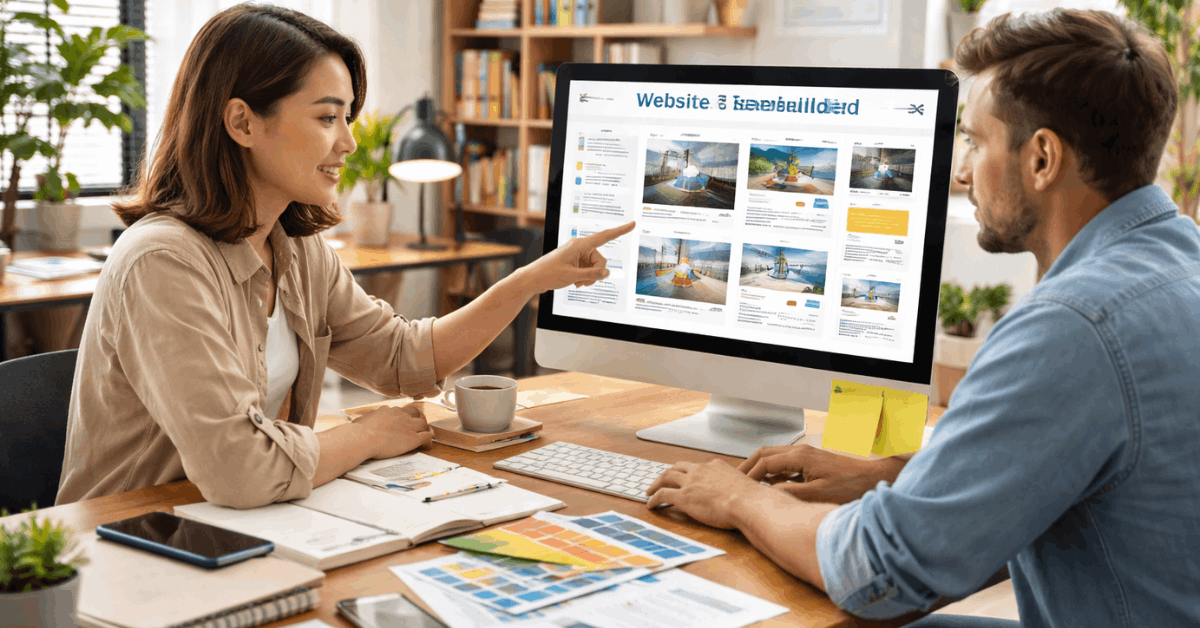
Template Variety and Mobile Responsiveness
Good builders provide templates that are mobile-friendly by default. Look for options that cover your industry or niche.
A wide template selection saves time and increases customization flexibility. Some platforms lock you into fixed layouts, limiting creativity. Preview templates before committing to a plan.
Visual Editing and Drag-and-Drop Tools
Visual builders help you create pages without code. Drag-and-drop tools let you easily rearrange content. Some platforms offer full freedom while others restrict layout zones.
Try editing a sample page to check ease of use. The more flexible the builder, the more unique your site will look.
Check Core Features and Built-In Tools
Built-in tools remove the need for external plugins and speed up development.
Essential Features to Look For
You’ll need SEO tools, contact forms, image galleries, and social integration. Business sites should also have appointment booking or lead capture tools.
A blogging function is useful even for non-bloggers. The more features included natively, the fewer workarounds you’ll need. Avoid platforms that require paid add-ons for basic functions.
E-Commerce Capabilities
If you’re selling, check for cart, product pages, discounts, shipping, and tax settings. Platforms like Shopify have these tools built in.
Others require third-party apps for checkout and order tracking. Consider transaction fees and payment options. A weak checkout experience hurts sales.
Review Pricing and Value
Website builders can be affordable or expensive, depending on your needs.
Free vs Paid Plans
Free plans usually come with ads, subdomains, or feature limits. Paid plans remove branding and unlock critical features.
Calculate total cost including domain, email, and storage. Look at monthly vs annual prices. Always check what’s included before upgrading.
Hidden Costs and Transaction Fees
Some platforms charge for templates, plugins, or third-party integrations. E-commerce builders may charge extra per sale or use percentage-based fees.
These costs add up quickly. Check the platform’s pricing table and terms. Transparency is key when comparing builders.
Think About Growth and Flexibility
You don’t want to outgrow your platform after launch.
Scalability and Upgrade Paths
Choose a builder that lets you expand to new features or plans later. Growth means more pages, more visitors, and better tools.
Avoid builders that lock features behind a new account. Site migration is time-consuming and risky. Scalable tools help you stay focused on growth.
Support for Advanced Features
As your needs grow, you may want features such as multilingual support or advanced analytics. Make sure the platform can handle this without extra fees.
Look for plugin stores, app marketplaces, or developer tools. Flexibility now saves costs later. Long-term usability should always factor into your decision.
Don’t Ignore Hosting and Performance
A fast site with strong uptime improves user experience and SEO.
Reliable Hosting Infrastructure
Most builders include hosting, but not all offer reliable uptime or fast speeds. Look for global CDNs, automatic scaling, and SSL security.
Builders with reliable infrastructure reduce downtime and loading delays. Poor hosting leads to lost traffic. Performance should not be an afterthought.
Speed, Uptime, and SEO Impact
Search engines prioritize fast-loading websites. Platforms should optimize images, scripts, and mobile performance.
Use built-in performance metrics when available. Uptime guarantees are also important for business websites. Choose a platform that balances speed and stability.
Test SEO and Marketing Tools
You need visibility, and that starts with SEO and promotion.
Built-In SEO Tools
Look for title tag editing, meta descriptions, alt-text support, and sitemap generation. Good builders let you control URLs and indexing settings.
Platforms like WordPress and Webflow offer full SEO customization. Weak SEO means poor rankings, no matter how good the site looks. Optimize from day one.
Email and Analytics Integrations
Marketing tools like Mailchimp, ConvertKit, or Google Analytics should be easy to add. Some platforms offer native email marketing dashboards.
Look for lead capture tools and campaign tracking. These help you turn visitors into customers. Avoid platforms that make integration difficult.
Verify Customer Support and Documentation
You will need help—make sure it’s available.
Support Channels
Top builders offer live chat, email support, or phone help. Forums and help centers add extra value.
Check support response times for your region. Poor support slows down projects. Quick help means faster site fixes.
Learning Resources
Video tutorials, FAQs, and setup guides save time. Platforms with a strong community or YouTube presence are easier to learn.
Beginners especially benefit from visual instructions. Self-service options are ideal for small teams. Good documentation fills the gap between idea and execution.
Final Thoughts: Match Tools to Goals
Not every builder fits every need. The best one is the one that matches your project scope.
Shopify works for growing stores, while Wix fits creatives and small businesses. WordPress offers endless flexibility, but with a learning curve.
Make decisions based on what you need—not what’s trending. Choose the tool that gets you live with the least friction.
Build Smart. Launch with Confidence.
You now understand how to Choose a Website Builder for Your Project based on real needs and future plans. Focus on essential features that support your workflow.
Test platforms carefully using free plans or trials. The right choice helps you build efficiently and scale with confidence.











