
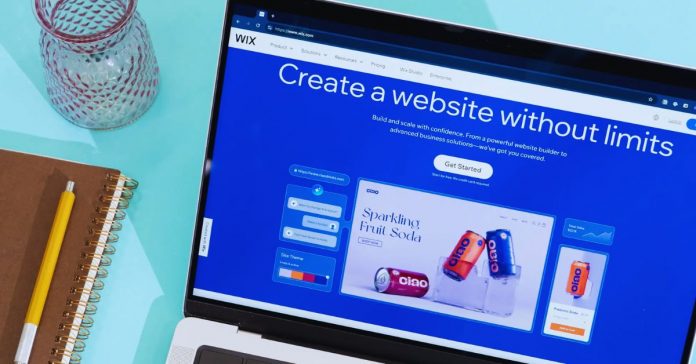
A no-code website builder can get a useful site online without HTML or a developer. It suits freelancers, small businesses, and creators who need to explain an offer and give visitors a way to respond.
The aim is not an expensive-looking site. It is a clear working version that answers key questions before someone loses interest.
Start With the Website’s Job
A builder cannot decide what the site should achieve. Start with one visitor action and one specific audience, then let those choices shape the pages and features you need.
Write the Core Message First
A template becomes a distraction when the headline is still vague. A dog groomer should say who they serve, which area they cover, what appointments include, and how soon people can book.
That gives the homepage a practical purpose and an honest promise. Write those answers first, with your phone number, hours, price range, images, and service limits.
Keep the First Structure Small
Most first sites need a homepage, an offer page, an about page, and a contact route; a shop or portfolio may need more.
A visitor should not work through five menus to find booking or delivery information. Build around the question visitors ask and the action you want next. Add pages only when customers repeatedly need information that is not already explained.
Choose a Builder for the Work
The right platform is the one an owner can maintain after launch, not the one with the longest feature list. Consider editing comfort and your actual workflow before being persuaded by animations, AI prompts, or polished demos.
Start With a Template Builder for a Small Service Site
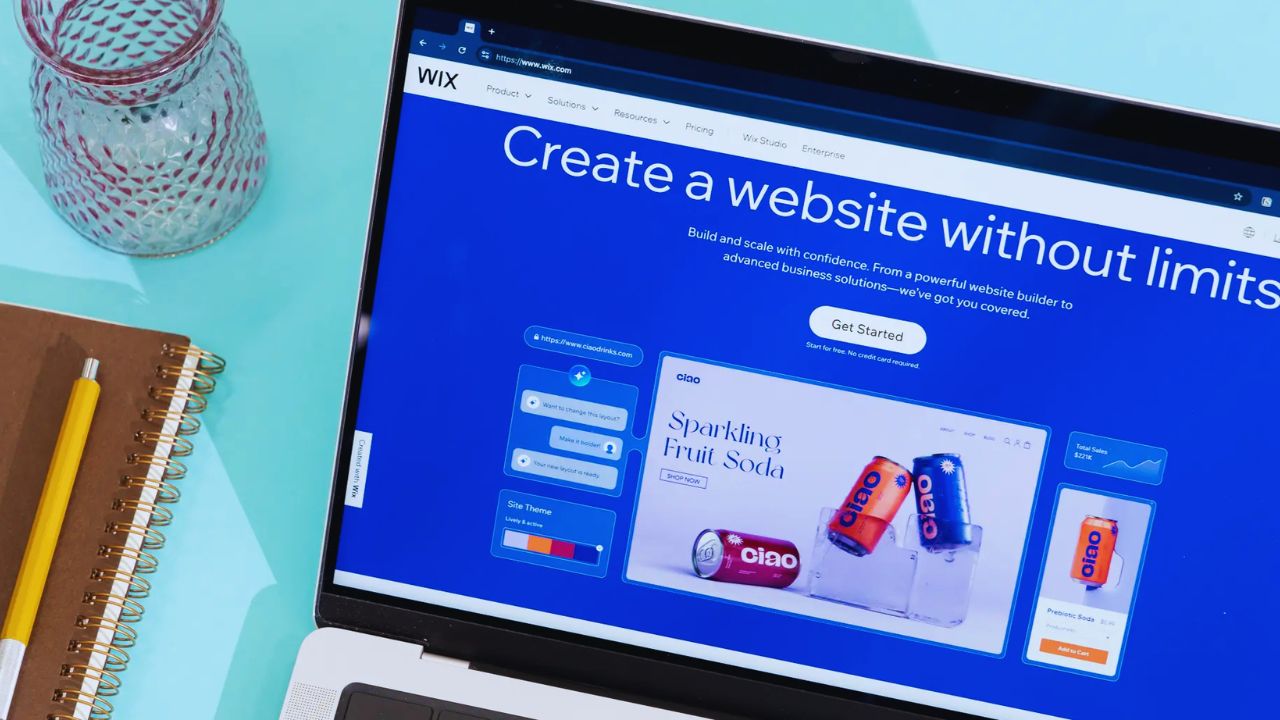
Wix and Squarespace can suit a local service business, portfolio, restaurant, or consultant needing a compact site with forms, galleries, and simple updates.
Their templates reduce layout work, but they still need real copy and accurate contact details.
This route offers a quick starting point and less technical setup. It may be enough for a tutor who needs availability and a booking link, rather than a system built for a future business.
Choose for Selling or Publishing Needs
A product business should consider inventory, payments, delivery rules, and returns from the beginning.
Shopify’s website builder combines themes with commerce tools, while Webflow is stronger when carefully designed pages and repeatable content such as articles or case studies matter.
The difference is the work behind the site and the updates it must support. A handmade seller may need product variants; a studio may need flexible case-study layouts.
Make the Template Sound Like Your Business
A finished template is not a finished website. The work that matters is replacing generic blocks with specific business information and small signs of care that help a visitor decide whether to contact you.
Replace Placeholder Copy First
“Grow your business” or “quality service” could belong to almost anyone. Explain the actual work, the client you serve, the area you cover, and what a first conversation looks like.
A bookkeeping firm could say it supports sole traders with monthly records and tax deadlines, rather than claiming broad financial solutions.
This adds useful context and a believable voice. It also discourages poor-fit enquiries that take time but never become work.
Let Phones Set the Layout
People often open a business page between errands, during a commute, or while comparing options on a phone.
Keep paragraphs readable, buttons easy to tap, and important details above long image sections. Use short navigation labels and visible contact details instead of hiding everything in a menu.
A large hero image may impress on a desktop screen yet push the price, service area, or booking route too far down on a phone.
Also Read: No-Code Tools for Data Management
Protect Trust Before the First Form
A site can look polished and still feel unreliable when basic details are missing or ownership is unclear. Check the information people rely on and the accounts controlling it before sharing the link in an email signature or social profile.
Keep Essential Access in Your Name
Register the domain through an account you control, keep recovery details current, and save where the renewal notice goes.
Test every form to confirm messages reach an inbox someone checks, including the automatic reply.
This protects business ownership and customer communication. A freelancer or former staff member should not be the only person able to change the domain, update billing, or retrieve enquiries.
Add Essentials Before Extras
A contact page, service area, privacy notice, return policy, booking rules, or delivery information may matter more than chat widgets and social feeds.
The right essentials depend on the site, but they should reduce uncertainty at the point of action. Use plain language and current details.
A customer needs shipping timing and returns, while someone hiring a contractor needs availability, location, and a way to request an estimate.
Publish, Then Improve With Evidence
Publishing is not the end; it is when visitors show what the site does and does not explain. Keep a small improvement list and a regular review habit instead of rebuilding the homepage whenever a new feature looks tempting.
Check the Visitor Path on a Real Device
Open the site on a phone, follow the main action, and ask someone unfamiliar with the business to do the same.
Watch for hesitation around the service description, form fields, checkout, or confirmation message.
This review catches practical friction and small trust gaps before they become missed leads. Use this final check before launch:
- Message: Is the offer clear before the first scroll?
- Action: Do the form, email, booking link, or checkout work on mobile?
- Accuracy: Are prices, hours, policies, and contact details current?
Let Real Questions Shape the Second Version
Keep notes on questions that arrive by email, calls, messages, or sales conversations.
Add a short FAQ when the same question appears often, clarify a service boundary, or create a separate page when one topic earns real interest.
That turns customer feedback into better site structure. It is more useful than copying competitors’ menus or adding features simply because the builder makes them available.
Conclusion: Build for the Visitor
A no-code builder is useful when it presents a specific offer without creating a complicated site you cannot maintain.
Begin with the visitor’s task, choose a platform that supports the work you will repeat, and test the main route on a phone before launch.
Keep domain and form access under your own control, then let real questions guide updates. A simple site that answers people clearly is a stronger beginning than a polished site that makes them search for the next step.











