
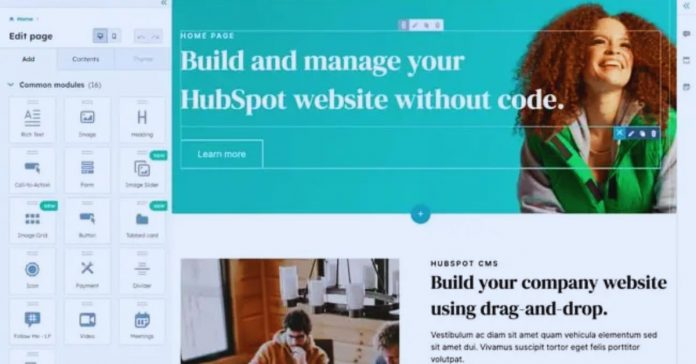
A small business owner can publish a service page this week with a website builder, while a custom project may take longer before the first visitor sees it.
Your budget, the workflows behind the site, and the person responsible for updates will shape whether a hosted platform or a custom build remains manageable.
This guide compares both routes through editing, cost, growth, ownership, and maintenance.
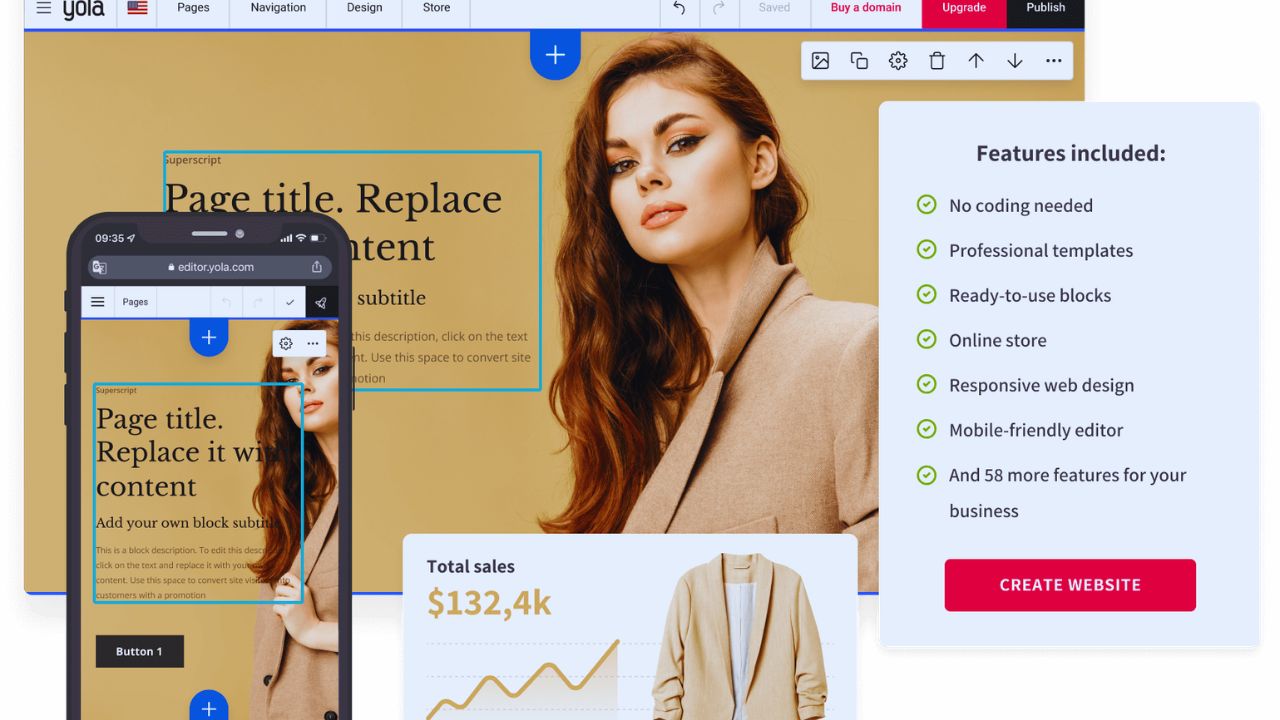
Begin With the Job the Site Must Handle
Start with what a visitor needs to do rather than the platform’s template gallery. A portfolio, local booking page, online shop, and customer portal ask for different features, permissions, and support.
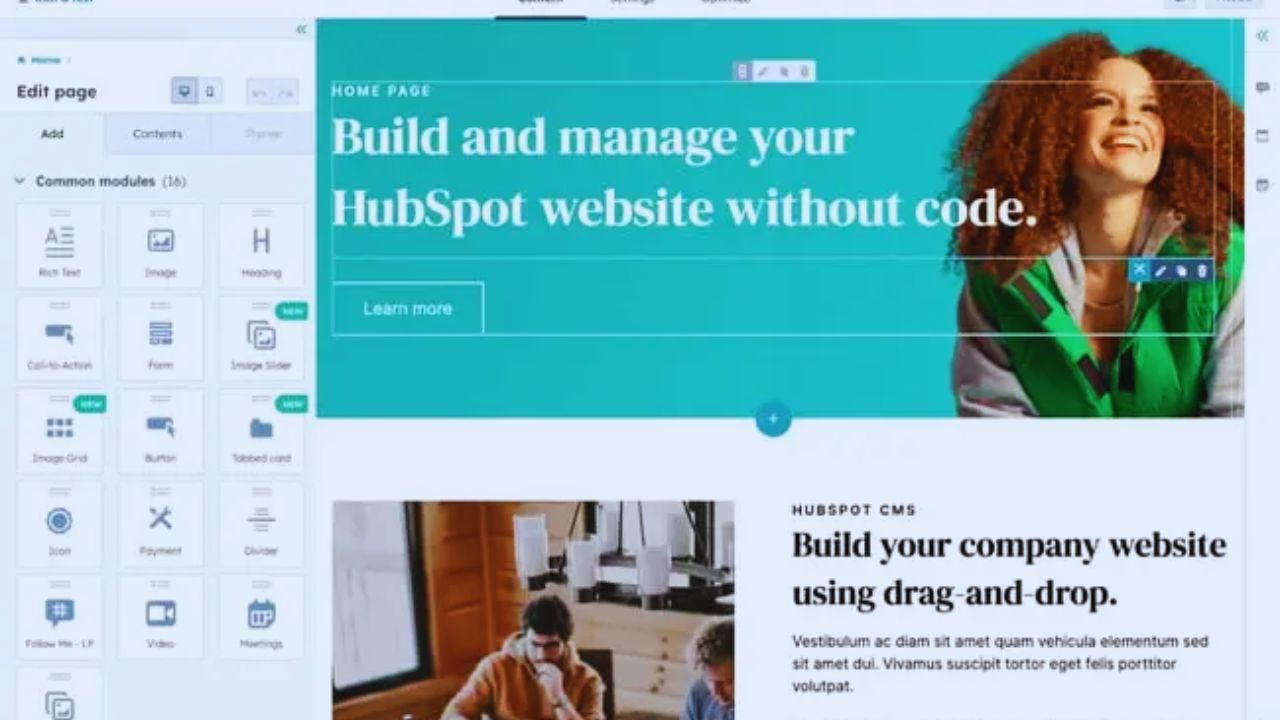
Defining the main visitor action first prevents a mismatched build that looks polished but creates trouble later.
When a Website Builder Is Usually Enough
A builder can suit a photographer displaying work, a café sharing menus and opening hours, or a consultant collecting enquiries.
Hosted platforms combine hosting, templates, forms, and editing, so owners can update everyday content without developer help.
The advantage is not that these platforms are “simple” in every situation; it is that the team can handle routine updates without waiting for a developer for small changes.
The limitation appears when the project needs a rule or user journey that the platform cannot handle without several paid apps or awkward workarounds.
When Custom Development Has a Clear Purpose
Custom work earns its cost when the website must do something genuinely unusual.
A property service may need different permissions for owners, agents, and tenants; a membership business may need complex billing rules; a manufacturer may need product data from several internal systems.
A developer can build specific functionality around those needs instead of forcing them into a template. It also needs future support and careful testing, so it rarely suits a simple information site for most teams.
Look Beyond the First Invoice
The cheaper starting option is not always the less expensive one over time. Builders spread costs across subscriptions and add-ons, while custom sites concentrate more spending at the start but still need upkeep.
Compare the full operating cost with the value of control you actually need, rather than comparing a monthly plan with a single development quote.
Builders Bring Predictable Fees and Small Add-Ons
A new writer, local retailer, or independent coach may prefer a monthly plan because it protects cash flow. Read the official pricing page for custom domains, forms, e-commerce tools, storage, extra editors, and fees connected to payments or bookings.
One useful feature at a time can seem minor, yet several subscriptions can alter the real monthly cost of a growing site. Make a short forecast for the next six to twelve months, including the upgrade triggers you may meet as traffic or content increases.
Custom Sites Need Maintenance After Launch
A custom build does not end when the design goes live. Someone must update software, monitor backups, fix broken integrations, test browser changes, and respond if a booking or payment route fails.
This can suit a business that already has technical support or earns enough through the site to justify a maintenance agreement.
The key question is not whether custom development offers more freedom, but whether there is a named person and a realistic budget for ongoing care.
Consider Editing, Performance, and Ownership Together
A site should be usable by visitors and maintainable by the people who run it. Builders often make ordinary edits easier, while custom builds can provide deeper control over design, code, and connected data.
Check both the daily editing experience and the exit options before committing, because neither platform type automatically solves every long-term problem.
Test Ordinary Changes With Real Content
Do not judge an editor only by a demo with perfect sample images. Add a normal article, update a service description, replace a photograph, and correct a sentence after it is published.
Check the same work on a phone, where menus and forms expose hidden desktop problems. This test shows whether routine maintenance is simple enough for the person who will actually make weekly updates.
Keep Domain and Data Ownership Clear
Register the domain under the business or site owner, not under a freelancer’s personal account. Save copies of articles, product descriptions, images, and important form entries outside the platform, then test at least one export before you need it.
Builders may export some content but not every template setting or workflow, while custom code can also be hard to transfer when documentation is missing.
Clear records reduce migration stress and preserve practical choices when a provider, developer, or business plan changes.
Make the Choice Through a Small Test
You do not need to predict every possible feature before creating a site. You do need to test the work that makes the project valuable, then identify the limits that would genuinely slow the team or frustrate visitors.
A short trial turns broad assumptions into useful evidence and keeps expensive commitments from being based on a sales pitch or a beautiful template.
Also Read: How to Choose Templates for Different Niches
Build the Most Important Visitor Journey First
Create a basic version of the path that matters most. A consultant can test an enquiry form and appointment request; an online shop can test a product page and checkout; a membership concept can test sign-up, payment, and account access.
Ask someone unfamiliar with the project to try that path on a phone and describe where they hesitate. Their experience can uncover hidden friction that a development brief or template preview never shows.
Before paying for a longer subscription or a full build, record three questions. They will keep the next decision grounded in day-to-day reality:
- Who updates the site each week?
- Which function must work from day one?
- What happens if you need to move?
A Hybrid Setup Can Be a Sensible Middle Ground
Some projects benefit from combining both approaches. A retailer might use Shopify for checkout and inventory while commissioning a custom front end for an unusual product experience, or a content team might use a hosted CMS with tailored campaign pages.
This approach can reduce development time without giving up the parts that need special control. It still requires clear ownership of integrations, a maintenance plan, and honest testing when the pieces change.
Conclusion: Choose the Commitment You Can Maintain
A builder may be the practical route when the site needs familiar pages, quick editing, and a manageable launch.
A custom website may justify its higher commitment when complex operations or a distinctive user experience cannot be handled without compromises.
Test the core journey, price maintenance alongside the launch, and confirm who owns the domain and data before signing anything. The stronger choice is the one your team can still maintain confidently after the excitement of publishing has passed.











