
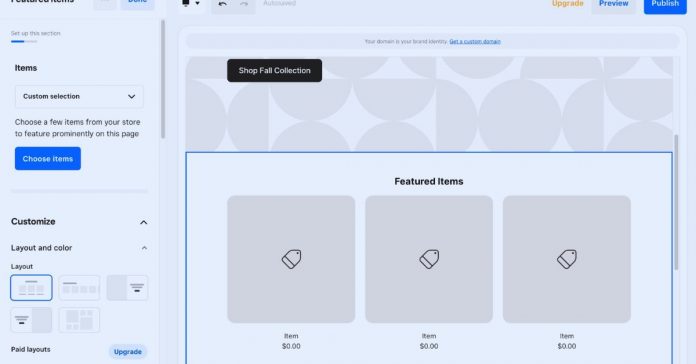
Fast website builders are useful when you need a site online without waiting weeks for design, coding, hosting setup, and technical fixes.
They can help freelancers, small business owners, creators, event organizers, and early-stage startups build a working page with less friction. Still, “fast” should not mean rushed or careless.
This guide explains what makes a builder quick, where these tools make sense, and what to check before choosing one for your project.
What Makes a Website Builder Fast?
A website builder feels fast when it removes the technical steps that usually slow people down. Instead of setting up hosting, installing software, writing code, and designing layouts from scratch, you work inside a ready-made system.
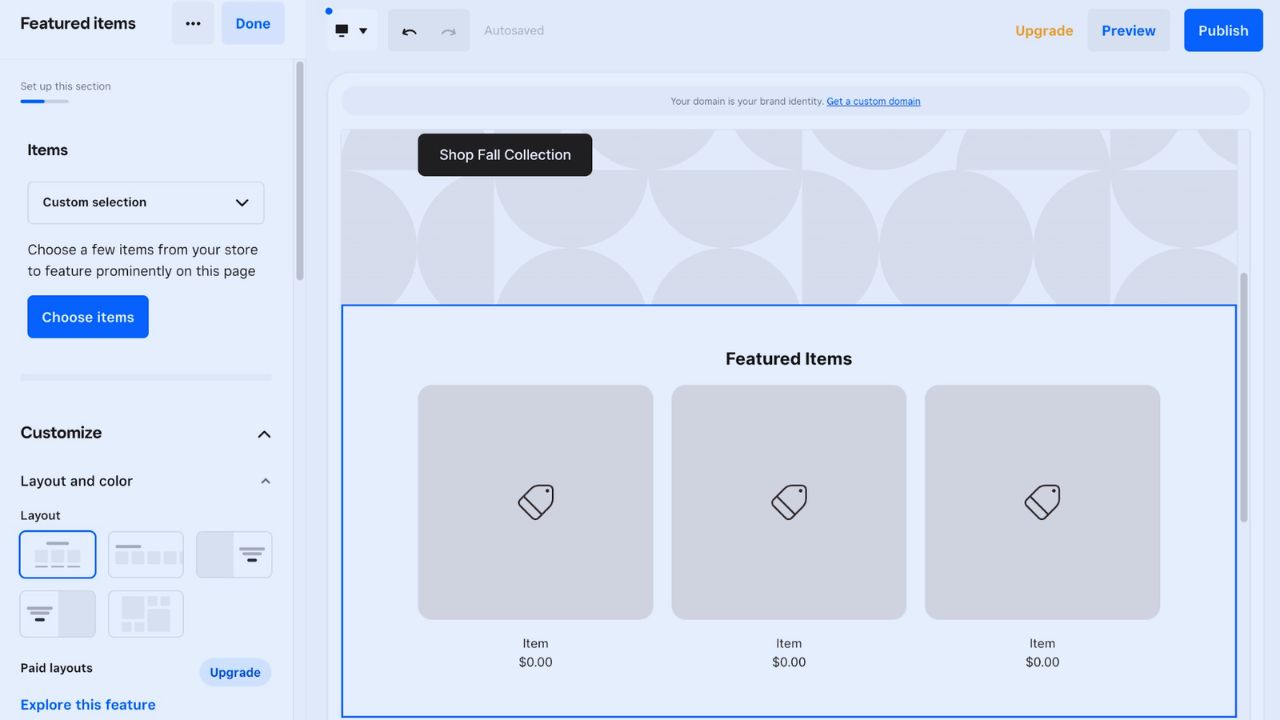
Most builders include templates, drag-and-drop sections, mobile layouts, SSL security, and publishing tools in one place.
The real advantage is not only launching sooner, but also avoiding small technical tasks that can delay simple websites.
When Speed Actually Matters
Speed matters most when the website has a clear short-term purpose. A coach may need a landing page before opening bookings.
A local event organizer may need a page for tickets, location details, and schedules. A startup may need a simple prototype to test an offer before investing in a custom site.
In these cases, a fast builder can be practical because the first version does not need every advanced feature from day one.
What Fast Builders Are Best Used For
Fast builders are strongest when the site is focused, simple, and easy to explain.
They work well for small websites such as portfolios, service pages, event pages, lead-generation landing pages, personal brands, or campaign pages. They can also support small online stores, though larger shops may outgrow them.
If the website mainly needs to introduce a person, product, service, or offer, a builder can usually handle the job without unnecessary complexity.
Simple Projects That Usually Fit
These tools are most helpful when the website does not need complex systems behind it. A fast builder may be enough for:
- Portfolio pages for freelancers or creatives
- Landing pages for ads or email campaigns
- Event pages with details and sign-up forms
- Simple business sites with services and contact forms
Popular Fast Website Builders to Consider
Different builders move quickly in different ways, so the best choice depends on how much control you need.
Wix is beginner-friendly and offers flexible templates for many small sites. Squarespace is strong for polished visual layouts, especially for creatives, restaurants, and service brands.
Webflow gives more design control but has a steeper learning curve. SITE123 keeps the process very guided, while Carrd is useful for one-page websites, bio links, and quick campaign pages.
How Wix, Squarespace, Webflow, SITE123, and Carrd Differ
Wix is often practical when you want layout flexibility without learning much design theory. Squarespace works well when you want a polished look quickly and do not need many third-party add-ons.
Webflow is better for users who care about visual control and cleaner structure but are willing to learn the interface. SITE123 is simpler and more guided, which can help beginners, while Carrd is best when one focused page is enough.
Features That Save the Most Time
The fastest builders usually combine templates, hosting, security, and editing tools in one dashboard.
Pre-designed sections help you add common blocks like testimonials, pricing, image galleries, contact forms, and FAQs without starting from a blank page.
Built-in mobile responsiveness removes the need to design a separate phone version. These features are useful, but they still need review because a beautiful template can become messy once your real images and longer text are added.
Also Read: Best Website Builders for Small Projects
How AI Can Speed Up the First Draft
Some website builders now use AI to suggest layouts, write starter copy, choose colors, or create page sections from a short description.
This can help when you are facing a blank-page problem and need a quick first version. For example, a yoga instructor might use AI to draft a homepage with services, class schedules, and a contact section.
The important step is editing the output afterward so the site sounds specific, accurate, and connected to the real business.
What You Might Lose With a Fast Builder
Fast builders save time, but they can also come with practical limits. You may have less control over backend code, advanced SEO settings, custom databases, API connections, or complex multilingual features.
Some platforms also make it harder to move the site elsewhere later. This does not mean fast builders are bad; it means they should be used for the right kind of project.
A simple landing page and a complex marketplace do not need the same tool.
Build Faster Without Making the Site Feel Rushed
A quick launch still needs basic preparation. Before opening the builder, collect your logo, brand colors, service details, contact information, images, and the main message for the homepage.
During setup, keep the first version focused on essential pages instead of adding every feature at once.
It is usually better to publish a clean, useful site and improve it later than spend days adjusting animations, font pairs, or sections visitors may not need.
Fast Building Does Not Always Mean Fast Loading
A builder can help you create a site quickly, but the final page may still load slowly if it uses heavy images, too many widgets, or unnecessary animations. Build speed and load speed are different.
Before publishing, test the site on mobile data, compress large images, remove unused sections, and avoid stacking too many embeds.
This matters for local businesses and landing pages, where visitors often leave if the page takes too long to open.
Pricing and Plan Details to Check
Most fast website builders use monthly or yearly subscriptions, and the cheapest plan may not include everything you need.
Before paying, check custom domains, storage limits, bandwidth, e-commerce features, form submissions, branding removal, analytics, and support.
A free plan can be fine for testing, but it may look less professional for a business site. Also check renewal pricing, because introductory costs can be lower than what you pay later.
Who Should Be Careful With Fast Builders?
Fast builders may not suit projects that need advanced control or long-term technical flexibility.
If you need custom workflows, user accounts, complex filters, API access, advanced SEO rules, or a large content structure, a custom build or more flexible CMS may be safer.
Developers and designers who need pixel-level precision may also feel limited by some drag-and-drop systems. Choosing the faster option is only helpful if it still supports what the website must do.
Conclusion
Fast website builders can be a smart choice when the goal is clear, the site is not too complex, and you need to launch without a long development process.
They are especially useful for portfolios, landing pages, simple business sites, events, and early tests of an idea.
A fast launch is valuable, but the site still needs to feel clear, credible, and easy for visitors to use.











